Do You Need a Wireless CarPlay Adapter for Daily Drives?
Quick Answer
Before adding a wireless CarPlay or Android Auto adapter, replace the cable, clean the phone port, and reconnect the phone to the car’s existing wired system. An adapter helps when wired CarPlay or Android Auto already works reliably and plugging in every trip is the remaining annoyance. Skip it if the vehicle lacks factory wired support, multiple drivers need effortless switching, or connection delay would bother you more than the cable.
- Try first: Test the car with a short known-good data cable and rebuild the phone connection.
- Consider one when: Wired projection works every time and only the plug-in step feels unnecessary.
- Skip if: The car has no wired CarPlay or Android Auto, or the existing system is already unreliable.
Start With the Real Bottleneck
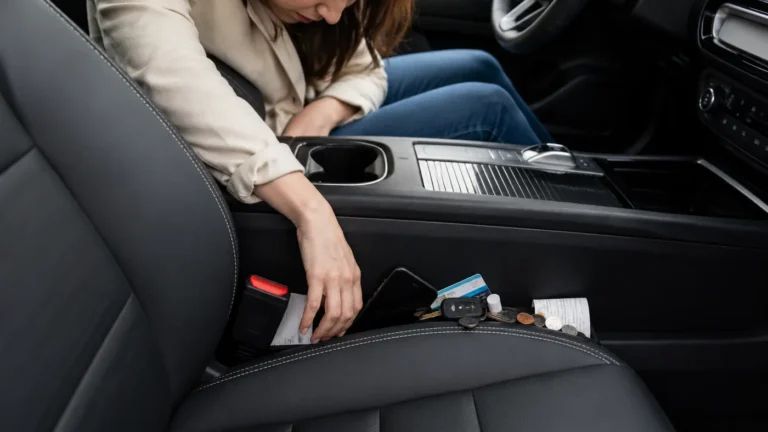
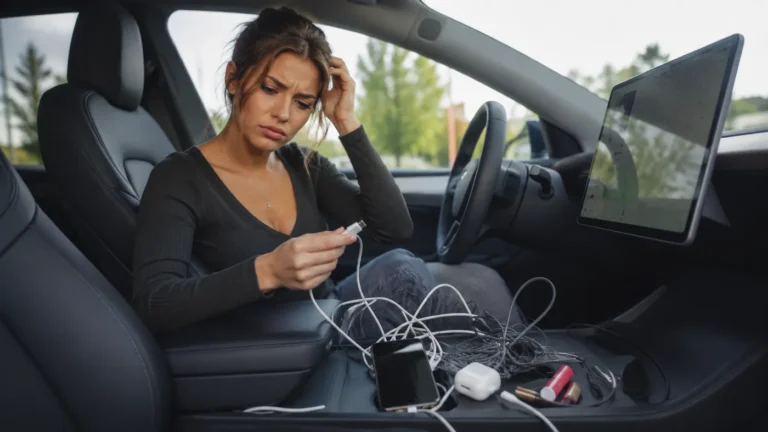
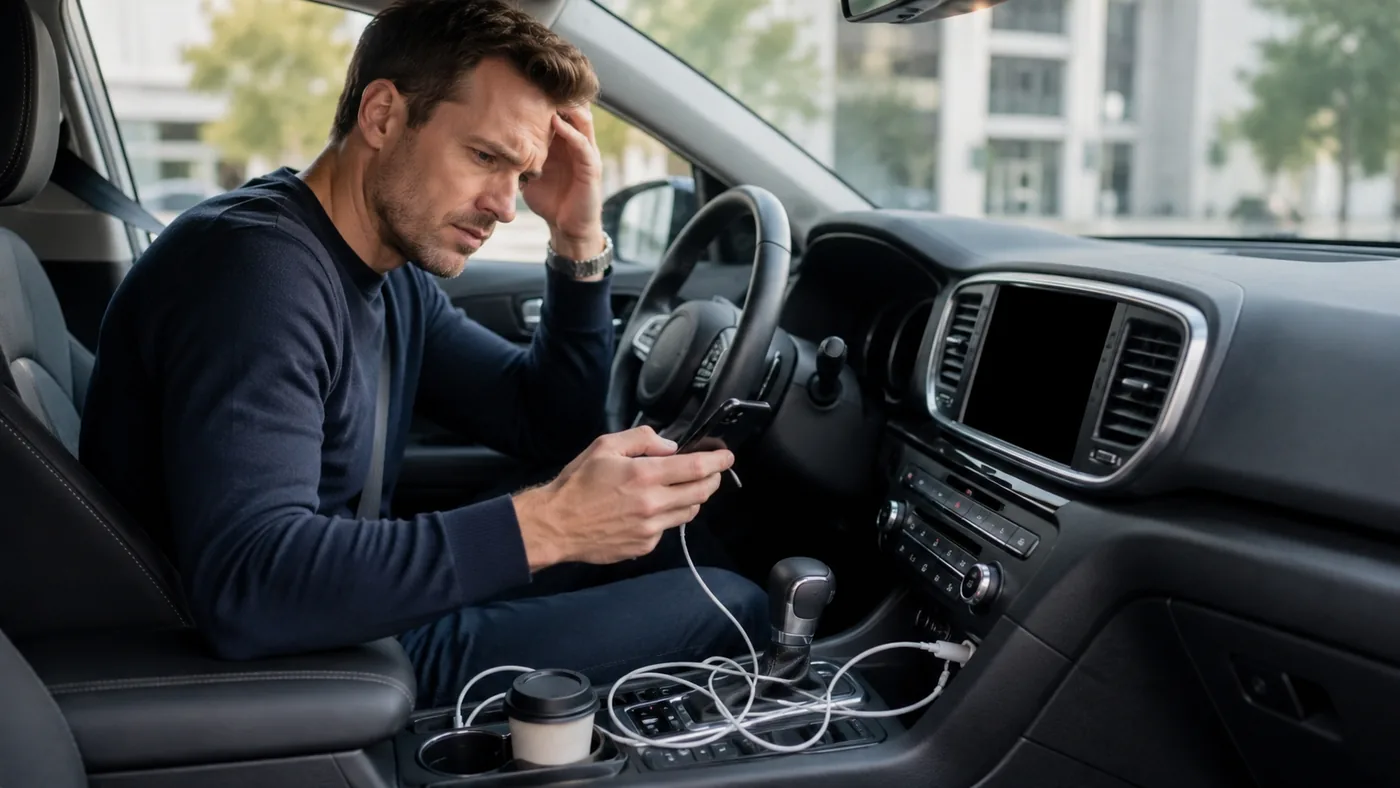
A messy center console and an unreliable connection can look like the same problem, but they need different fixes. A worn cable, dirty phone port, loose vehicle USB socket, or outdated phone setting will not become dependable just because a wireless adapter is added between the phone and car.
Start one trip with a good data cable and note what happens. If the system launches quickly and audio, maps, calls, and steering-wheel controls all work, the wired foundation is sound. If it disconnects over bumps, fails with more than one phone, or charges without launching projection, troubleshoot the cable, port, vehicle software, and phone first.
- Cable clutter only: The wired system is stable, but plugging in and storing the cable is annoying.
- Port or cable fault: The connection drops when the phone or cable moves.
- Compatibility gap: The car has Bluetooth audio but no wired CarPlay or Android Auto.
- Shared-car friction: Several phones compete to connect when different people drive.
What to Change Before Adding Gear
- Replace the cable. Use a short certified data cable, not a charge-only cable.
- Clean both ports. Remove lint carefully with the phone and vehicle turned off; never force metal into a connector.
- Forget and reconnect. Delete the car from the phone and the phone from the vehicle, then set it up again.
- Check permissions. Allow the required Bluetooth, Wi-Fi, contacts, microphone, and projection permissions.
- Test another phone. This separates a vehicle-side problem from a single phone problem.
- Route the cable once. A short cable stored beside the port may remove most of the clutter without another device.
Try before buying: Use a known-good cable for several normal trips. If wired projection is not consistently stable, fix that foundation before adding a wireless layer.
Choose by the Real Situation
The cable only looks untidy
- Start here: Use a shorter cable and fixed storage spot
- Product decision: No adapter may be needed
- Check before deciding: Port location and cable reach
Wired projection works reliably
- Start here: Confirm it across several trips
- Product decision: A wireless adapter can remove plugging in
- Check before deciding: Vehicle, phone, and USB compatibility
Connections already drop
- Start here: Replace cable and troubleshoot ports
- Product decision: Do not add another connection layer
- Check before deciding: Failure on multiple phones
Several people share the car
- Start here: Test the built-in phone switching
- Product decision: Only if switching remains manageable
- Check before deciding: Pairing priority and reset process
When Adding One Tool Makes Sense
A wireless adapter becomes reasonable when the car already launches wired CarPlay or Android Auto without trouble and the only repeated friction is connecting the phone for short trips. Leaving a small adapter in the vehicle can make maps and audio available without taking the phone out of a bag or pocket.
The example below is presented as a compact adapter for vehicles with existing wired support. It cannot be assumed to add CarPlay or Android Auto to a car that never had it. Startup time, reconnect behavior, call quality, and phone switching are more important than a broad percentage-of-cars compatibility claim.
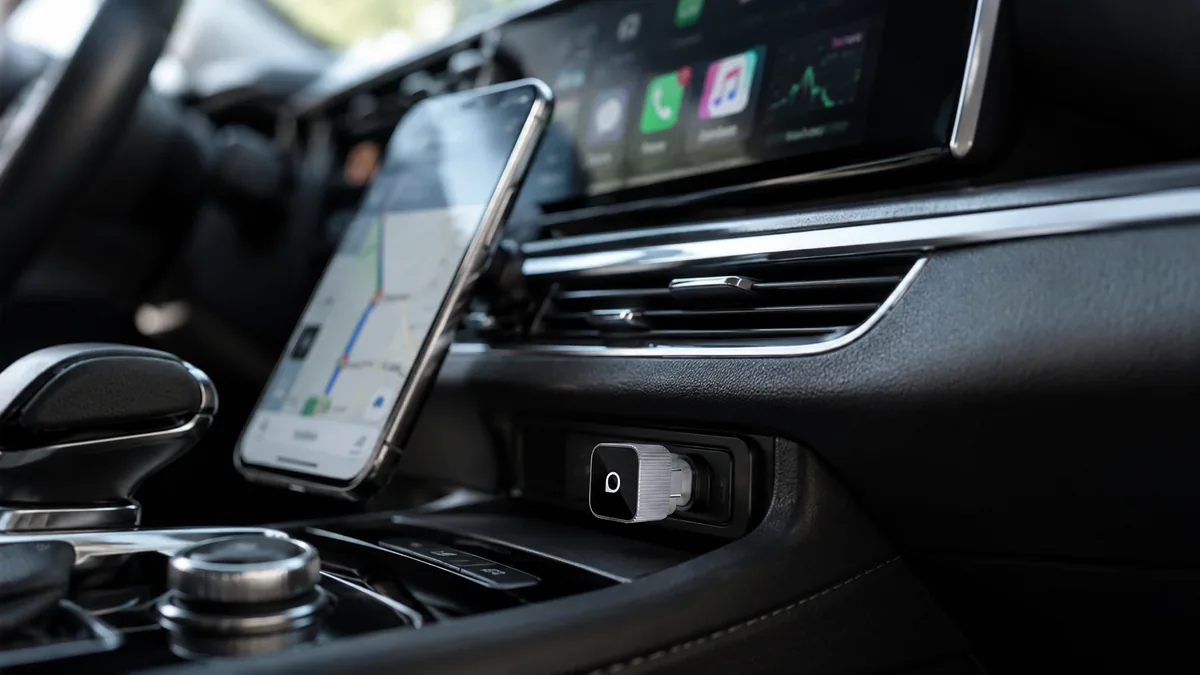
The single AliExpress listing below is one example of this tool type, not a best pick or a hands-on recommendation. Use it only as a reference, and verify the current specifications, compatibility, recent reviews, shipping, returns, and price yourself.
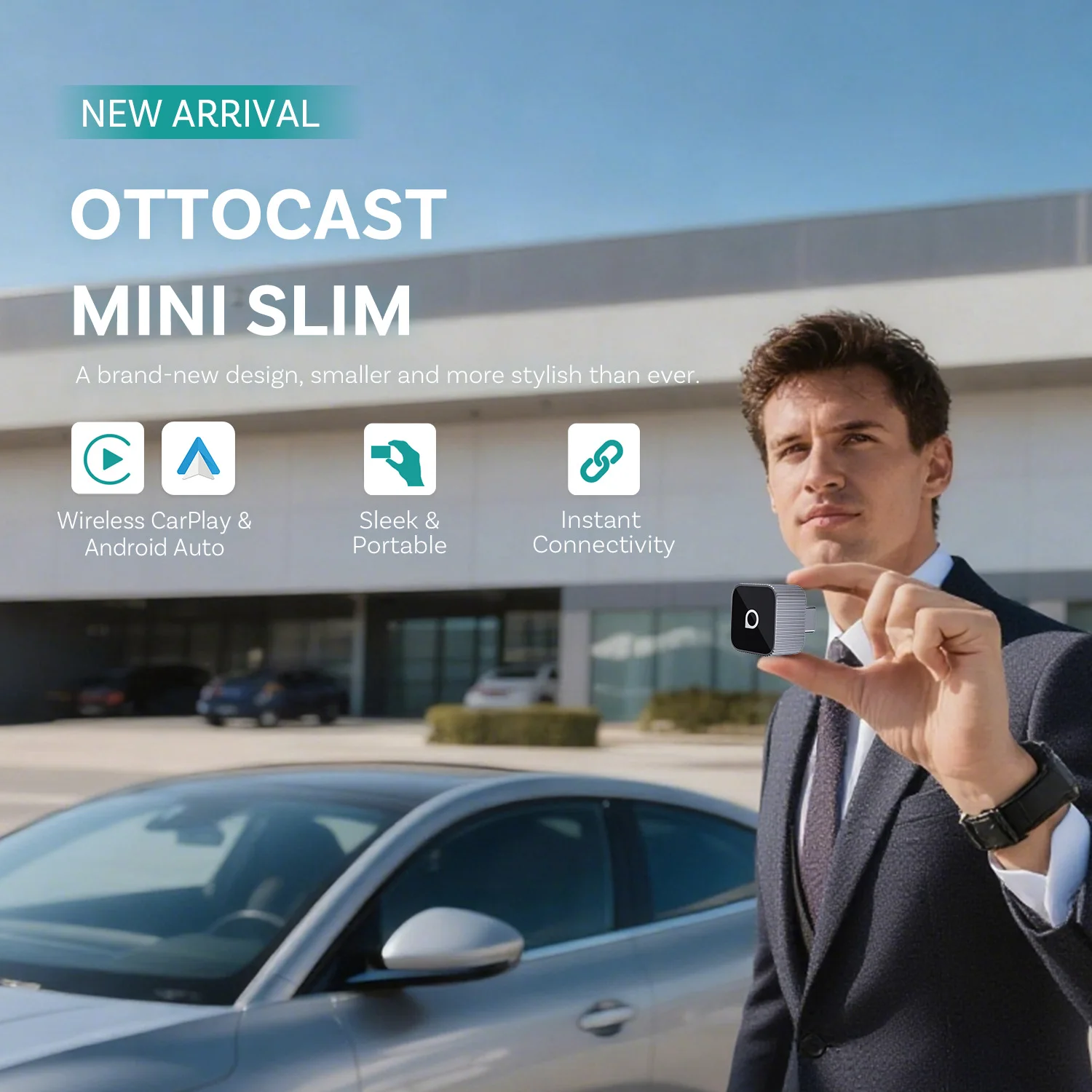
Skip the product if: Your vehicle does not already support the wired system, the USB connection is unstable, or several drivers would be frustrated by automatic pairing and switching.
Verify These Details First
This listing presents the device as a plug-and-play wireless CarPlay and Android Auto adapter. The phrase sounds simple, but a good result depends on the exact vehicle USB system, phone, software version, and daily driver routine.
- Existing wired support: Confirm that the same vehicle port launches wired CarPlay or Android Auto now.
- Vehicle and model year: Look for an explicit compatibility list and recent reports from owners of the same infotainment system.
- USB connection: Check whether the package matches the vehicle’s USB-A or USB-C port without a loose stack of adapters.
- Startup behavior: Recent reviews should mention how long reconnection takes after the engine starts and whether it recovers after short stops.
- Calls and controls: Verify microphone, steering-wheel buttons, maps, music, and voice-assistant behavior rather than testing audio alone.
- Updates and resets: Find the firmware update method, reset steps, and return terms in case a phone update changes compatibility.
If compatibility is described only as a broad percentage with no vehicle list or recent same-model reports, keep using the cable until the fit is clearer.
Mistakes That Make This Harder
- Expecting the adapter to add a missing system. Most adapters convert an existing wired connection; they do not replace the car’s hardware.
- Hiding a cable fault. An unstable USB port remains an unstable foundation.
- Ignoring shared drivers. Automatic reconnection can choose the wrong phone when several paired devices are nearby.
- Testing only music. Calls, navigation prompts, controls, and startup behavior reveal more about daily reliability.
- Changing settings while driving. Pair, reset, and troubleshoot only while safely parked.
Practical FAQ
When is a wireless CarPlay adapter worth adding?
It is worth considering when wired CarPlay or Android Auto works consistently and connecting the cable is the only annoyance left. Frequent short trips make the convenience more noticeable than occasional long drives.
Who should skip this kind of adapter?
Skip it if the car lacks wired support, the vehicle USB port already disconnects, or multiple drivers need instant predictable phone switching. Those problems are unlikely to improve by adding another device.
Will it work in any car with Bluetooth?
No. Bluetooth audio by itself does not prove CarPlay or Android Auto compatibility. Confirm that the vehicle can launch the wired version through its data USB port before considering a wireless adapter.
Affiliate Disclosure
This article includes one affiliate listing as an optional example. GadgetPickLab may earn a commission at no extra cost if you buy through the link. Compatibility has not been hands-on verified for every vehicle, so match the adapter to the exact wired system before ordering.