Tech Organizer Pouch: Does It Make Everyday Carry Less Cluttered?
Quick Answer
A tech pouch is useful only after duplicate cables, dead adapters, and rarely used accessories are removed. Start by packing the smallest set that supports one normal day. An organizer pouch helps when the same compact group moves between bags and loose items are hard to find or protect. Skip it if you carry only a charger and cable, or if another pouch would simply hide unused gear inside your bag.
- Try first: Empty the bag, remove duplicates, and group the items used during one normal day.
- Consider one when: The same small kit moves between bags and loose pieces become tangled or damaged.
- Skip if: A simple zip pocket already holds everything or the organizer would encourage overpacking.
What Is Actually Causing the Problem
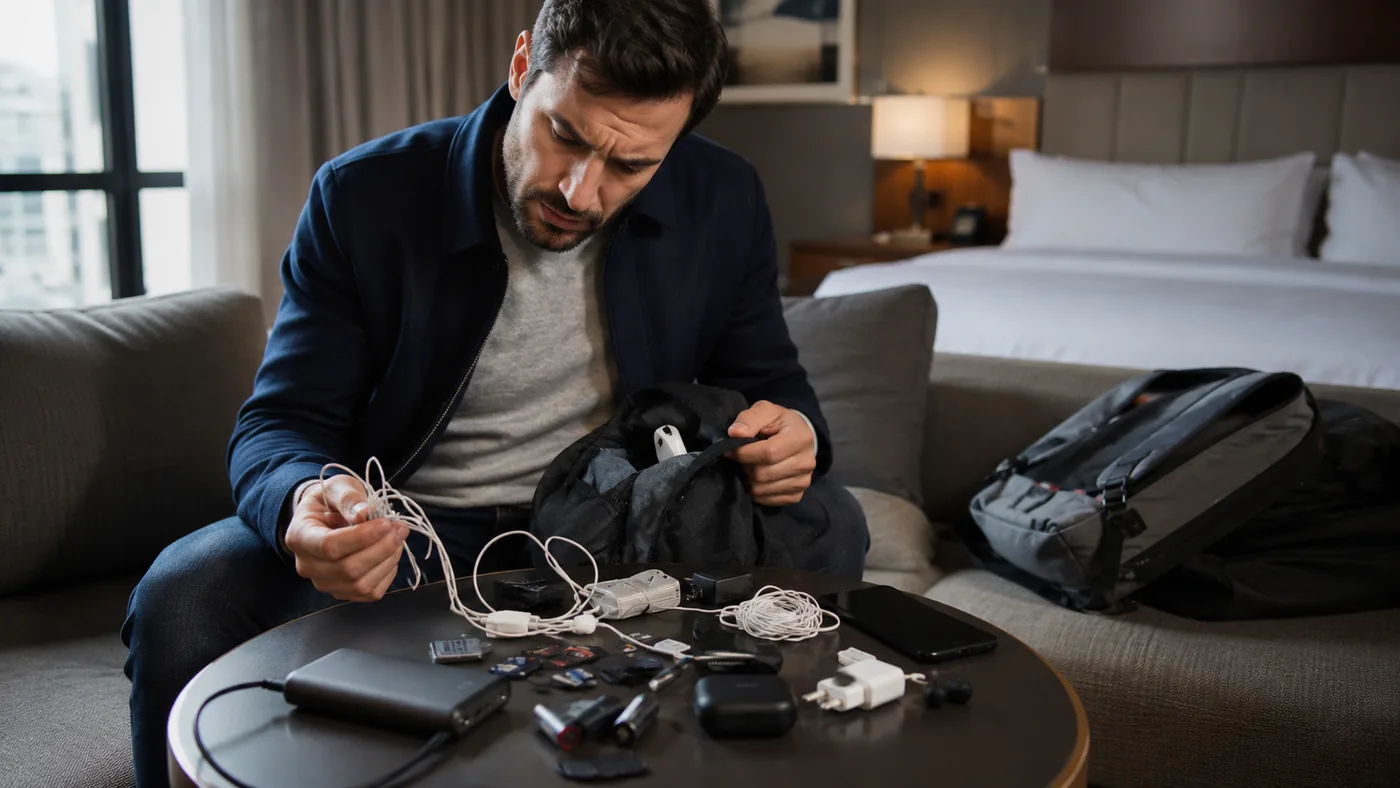
Small electronics feel disorganized for three common reasons: there are too many, they do not have a fixed home, or the bag’s existing pockets do not match their shapes. A pouch solves only the second and third problems. It cannot make an oversized kit feel light.
Lay out the charger, cables, battery, earbuds, storage drive, adapters, pen, and any other item you expect to carry. Remove anything that has not been used in the last several outings. Then stack the remaining pieces as they would sit in a pouch. This reveals whether the kit needs separate pockets, a protected open compartment, or no organizer at all.
- Duplicate problem: Several cables and adapters serve the same device “just in case.”
- Search problem: Small items fall to the bottom and move between different bags.
- Protection problem: Batteries, drives, or earbuds rub against keys and heavier objects.
- Bulk problem: The pouch itself would take more room than the essential kit.
Start With the No-Buy Fix
- Empty every pocket. Seeing the whole kit prevents hidden duplicates from surviving the cleanup.
- Build a one-day set. Keep only the items needed for the devices you actually carry together.
- Label similar cables. A small tag or colored tie can solve identification without another organizer.
- Use the bag’s pockets. Give each essential item a location and test whether it stays there.
- Try a simple zip pouch. Reuse one at home for several trips before choosing a pocket-heavy design.
- Measure the packed stack. Include plug thickness, cable bends, and anything that should not be crushed.
Try before buying: Carry the reduced kit in an existing pocket or simple pouch for a week. If nothing tangles, disappears, or gets damaged, a dedicated organizer is unnecessary.
What to Try in Each Situation
You carry one charger and cable
- Start here: Use an existing bag pocket
- Product decision: No organizer needed
- Check before deciding: Cable bend and plug protection
The kit has several duplicates
- Start here: Remove overlapping items
- Product decision: No pouch fixes overpacking
- Check before deciding: Which devices travel together
The same kit moves between bags
- Start here: Test a simple zip pouch
- Product decision: An organizer can speed transfers
- Check before deciding: Outer size and opening style
Small electronics need separation
- Start here: Group them by fragility
- Product decision: Pockets may prevent rubbing
- Check before deciding: Padding and internal dimensions
When Adding One Tool Makes Sense
A tech pouch becomes useful when a stable set of small electronics moves together and you want to transfer it between a work bag, travel bag, and drawer without rebuilding the kit. The best sign is not that the pouch looks tidy when empty; it is that each essential item can be reached and returned without unpacking everything else.
The example below is presented as a compact water-resistant organizer for cables, phones, and batteries. It should be judged with the actual packed kit. An impressive grid of loops and pockets can become frustrating if thick plugs do not fit, cables must be folded too tightly, or the filled pouch no longer fits the main bag.
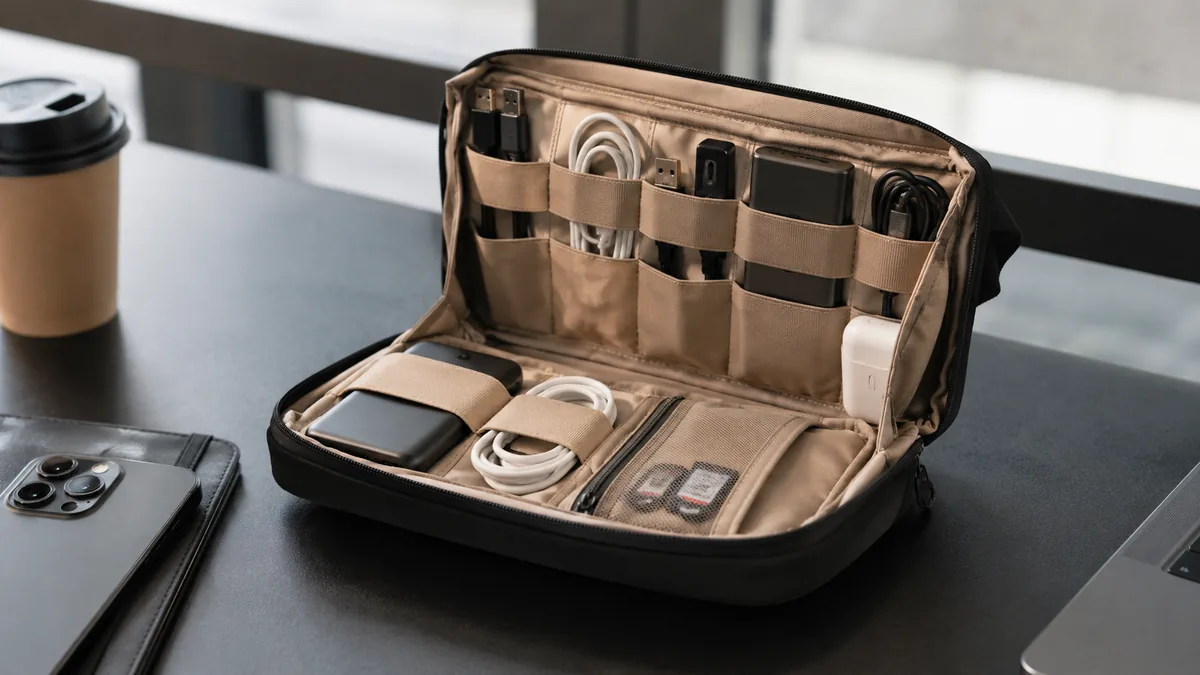
The single AliExpress listing below is one example of this tool type, not a best pick or a hands-on recommendation. Use it only as a reference, and verify the current specifications, compatibility, recent reviews, shipping, returns, and price yourself.

Skip the product if: Your daily kit fits one existing pocket, most carried items are rarely used, or the filled organizer would take space needed for a laptop, camera, clothing, or other essentials.
Checks Before You Order
This listing presents the pouch as a small electronics organizer with water-resistant material and internal storage. The practical fit depends on the packed dimensions, pocket layout, and how the pouch opens inside the larger bag.
- Internal dimensions: Compare the usable space with the thickest charger, battery, or adapter, not only with cable length.
- External dimensions: Measure the compartment in the main bag after other daily items are packed.
- Pocket layout: Elastic loops should hold common items without forcing cables into sharp bends or hiding plugs behind layers.
- Opening style: A wide opening is easy on a desk, while a pouch used inside a bag may need access without opening flat.
- Protection: Look at padding, zipper position, and whether hard chargers can press against a phone, drive, or battery.
- Water-resistance wording: Treat it as protection from minor splashes unless the current page states a specific tested rating; it is not a waterproof container.
If the listing shows the pouch empty but not packed with items similar to yours, use the measurements rather than the styling photo to judge capacity.
What to Avoid
- Buying for every possible trip. A daily kit and a long-trip repair kit do not need to live in the same pouch.
- Filling every loop. Empty space is useful for closing the zipper without crushing or bending items.
- Ignoring plug thickness. A flat cable photo does not show how much room chargers and batteries take.
- Calling water-resistant waterproof. A fabric pouch should not be relied on around immersion or heavy rain without clearer protection.
- Never removing old gear. Organizers become clutter containers when expired adapters and dead cables stay indefinitely.
Practical FAQ
When is a tech organizer pouch worth adding?
It is worth considering when the same essential electronics move between bags, loose items are hard to find, and a reduced kit still needs separation or protection. The pouch should make transfers easier without increasing the amount carried.
Who should skip an electronics organizer?
Skip it if one bag pocket already works, the kit contains only a charger and cable, or most items are carried “just in case.” Removing duplicates will usually save more space than organizing them.
How do I choose the right pouch size?
Measure the packed stack of real items and the available space in the main bag. Allow room for plug thickness, natural cable bends, and the zipper to close without pressure; do not choose size from capacity photos alone.
Affiliate Disclosure
This article includes one affiliate listing as an optional example. GadgetPickLab may earn a commission at no extra cost if you buy through the link. The pouch is not presented as universally waterproof or as a reason to carry more gear; compare its dimensions with your reduced kit.