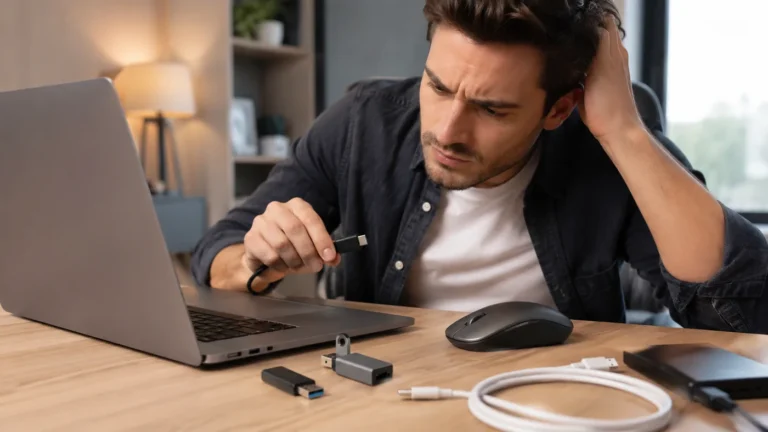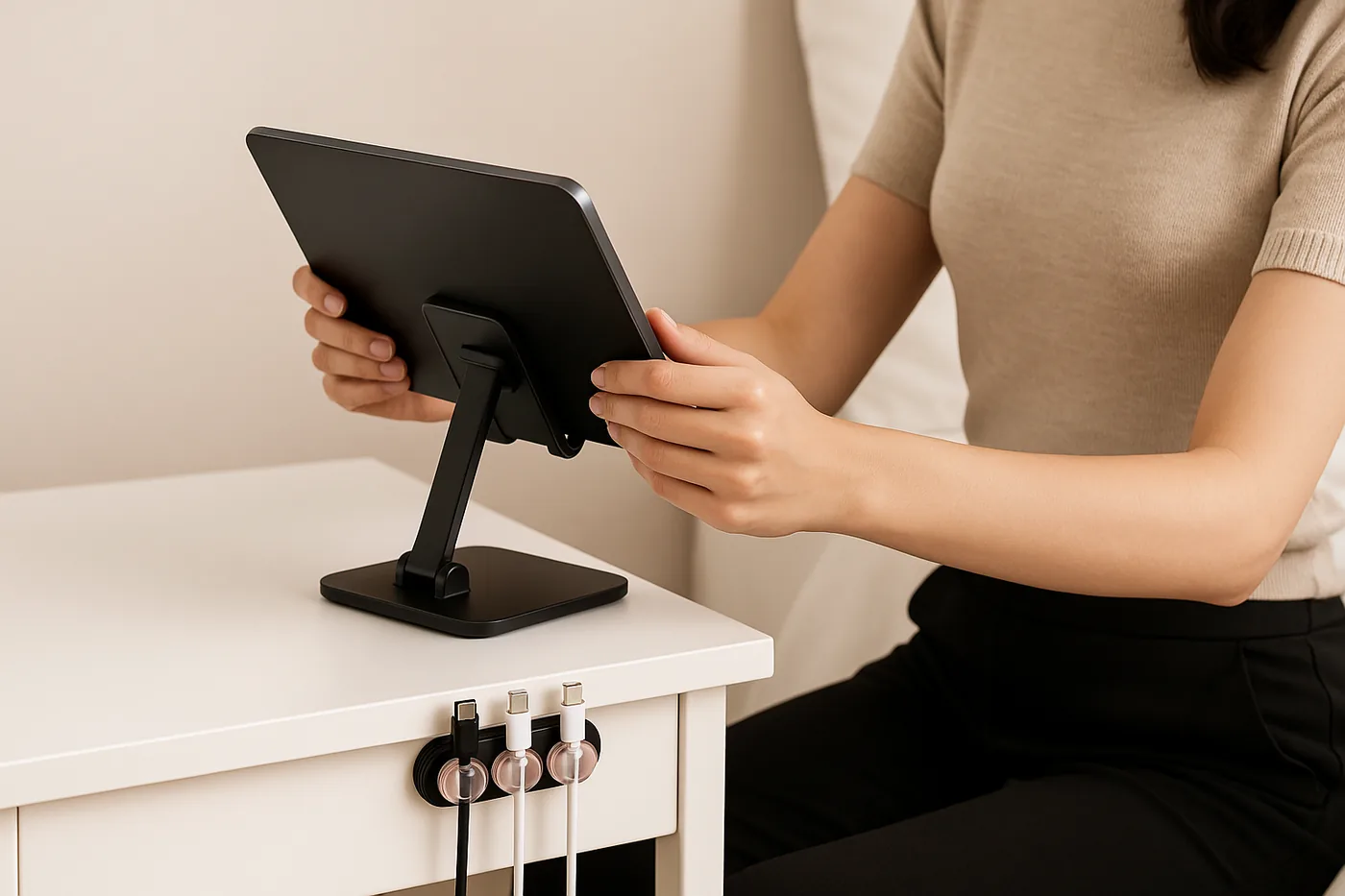
A Desk Charging Setup That Keeps Cables Within Reach
Quick Answer
If your goal is keeping daily charging cables easy to reach, the simplest setup is a small charging zone right at the desk edge with one fixed home for each cable. Use a dock, tray, or magnetic cable holder desk solution to stop cables from slipping behind furniture, then label or separate them so anyone can grab the right one fast.
Who This Is For
This guide is for busy desks, dorm rooms, and family charging spots where chargers get mixed up or disappear behind objects. It also helps if you want a beginner-friendly setup that stays neat without turning the desk into a complicated station.
If you share a space, the goal is not perfection. The goal is a charging layout that makes daily use quick, obvious, and easy to reset.
Why This Problem Happens
Cables usually become hard to reach for a few simple reasons: they slide off the desk, fall behind furniture, or get buried under papers and devices. In shared spaces, people also plug things into the nearest free cable, which creates tangles and confusion.
The fix is not more cable length. The fix is better cable placement, visible access, and a repeatable layout that gives each cable a clear resting spot.
Step-by-Step Solution
Start by choosing one charging zone and keeping it near where hands naturally land. A desk corner, nightstand edge, or wall-adjacent shelf usually works best because cables stay visible and easy to grab.
- Pick the main charging spot. Choose one area for daily devices and keep it consistent.
- Bring cables to the front edge. Let connectors rest where you can reach them without moving objects.
- Add a cable anchor. Use a clip, tray, or magnetic cable holder desk setup to prevent slipping.
- Separate each device path. Give each cable a dedicated route so cords do not overlap.
- Store extra length neatly. Coil slack behind the anchor, not across the work area.
- Make it easy to reset. At the end of the day, return every cable to the same position.
Checklist-style setup sequence:
- Choose one charging zone
- Keep connectors visible
- Anchor cables in place
- Separate device paths
- Hide extra slack
- Reset daily
For dorm rooms, keep the setup compact and vertical when possible. For family charging spots, use simple labels or color cues so each person knows which cable is theirs.
Quick Comparison Table
| Option | Best for | Watch out for |
|---|---|---|
| Desk tray | Neat desktop access | Can hide connectors |
| Cable clip | One or two cables | May slip on rough surfaces |
| Magnetic holder | Fast grab-and-go access | Needs proper placement |
| Wall-mounted hook | Small rooms, tight desks | Less flexible after setup |
Useful Product Types to Consider
Below are a few product types that may help with this setup. Choose only what fits your desk size and daily routine.
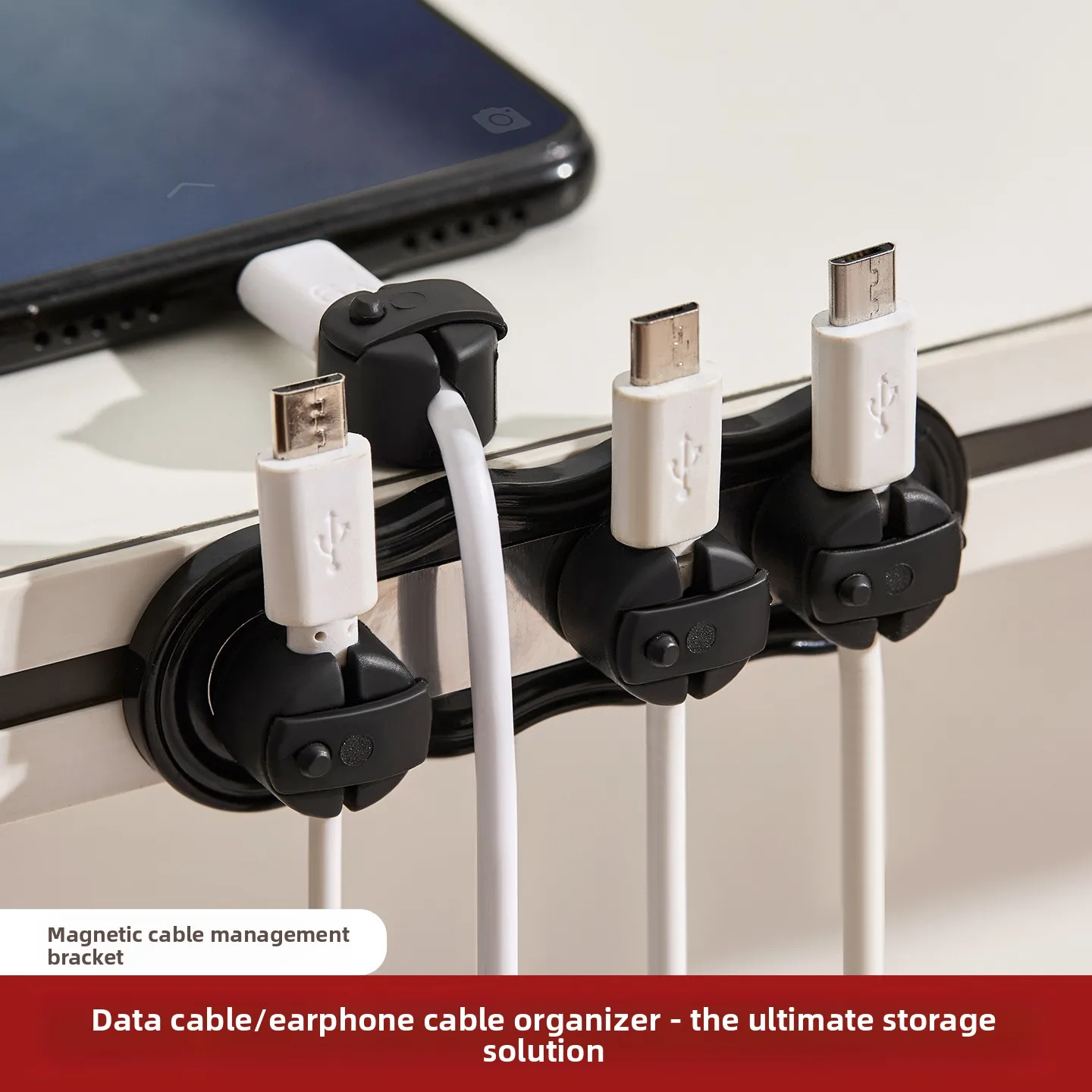
Magnetic Self-adhesive Cable Organizer No Drill Cord Holder Desktop Bedside Charging Wire Clip Desk Wire Management Acc…
Price: 1.50

3 transparent color magnetic cable organizer, data cable holder, desktop phone charging cable, charger clip, storage to…
Price: 3.41
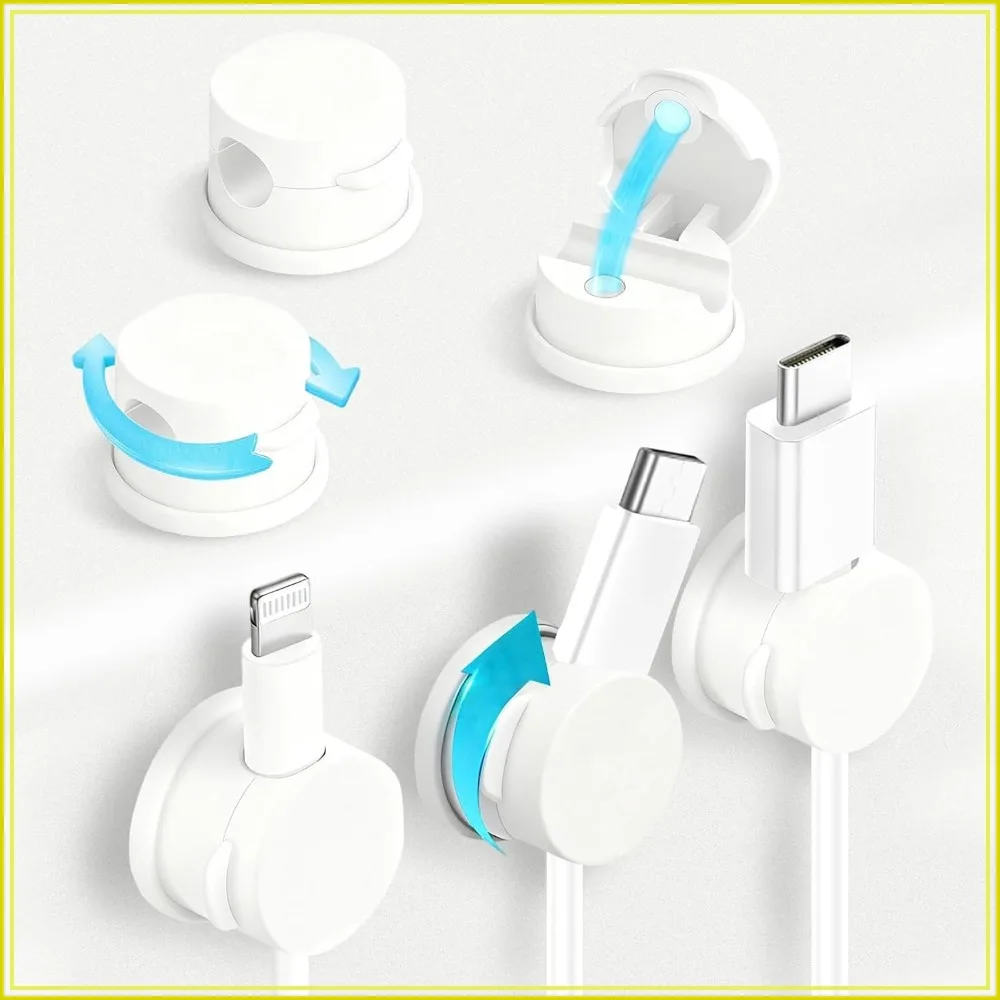
6pcs Magnetic Cable Clips 360° Swiveling Adhesive Cable Organizer – Compact Cord Holder for Desk, Nightstand, Car, Kitc…
Price: 4.37
Helpful product types include cable clips, weighted cable organizers, small charging trays, adhesive cable mounts, and a magnetic cable holder desk accessory. Keep the focus on function: easy reach, stable placement, and simple cleanup.
Common Mistakes
Leaving cables loose behind the desk. This makes them hard to find and easy to tangle.
Using one pile for every charger. Shared piles save space at first, but they slow everyone down later.
Overloading the charging area. Too many devices in one spot create clutter and make unplugging harder.
Choosing reach over access. A cable can be long enough but still awkward if the connector is buried.
Skipping daily reset habits. Even a good setup becomes messy if cables are never returned to the same place.
FAQ
How do I start keeping daily charging cables easy to reach on a small desk?
Pick one edge of the desk, anchor the cables there, and keep the connectors visible. A compact tray or clip-based layout usually works best in tight spaces.
What is the easiest setup for a dorm room?
Use a simple charging zone with one anchor point and minimal slack. Dorm rooms benefit from setups that are small, portable, and easy to reset.
How do I organize a family charging spot?
Separate cables by device or person and make each cable easy to identify. Labels, color coding, or distinct placement can reduce confusion.
Is a magnetic cable holder desk solution useful?
Yes, if you want quick access and a cable that stays where you put it. It works best when placed near the front edge of the desk and paired with a clean cable route.
What should I avoid when arranging charging cables?
Avoid loose bundles, hidden connectors, and setups that force you to move other items first. The best setup makes grabbing a cable the easiest part.
Affiliate Disclosure Note
This article may mention useful product types for general guidance. It does not include product cards, affiliate links, or personalized recommendations.