Handheld Cooling-Plate Fan: What to Check Before Carrying One
Quick Answer
A warm small desk usually feels better after heat-producing devices are moved, the air path is opened, and the chair is positioned away from a trapped corner. A rechargeable handheld fan can help when you need personal airflow exactly where you sit and cannot place a larger fan nearby. Skip it if the whole room is hot, fan noise breaks concentration, or holding another device makes the setup less comfortable.
- Try first: Clear the area around the laptop and open a path for room air to move.
- Consider one when: The heat is local and a small stream of air reaches the problem area.
- Skip if: You need room cooling, silence, or both hands free for most of the session.
What Is Actually Causing the Problem
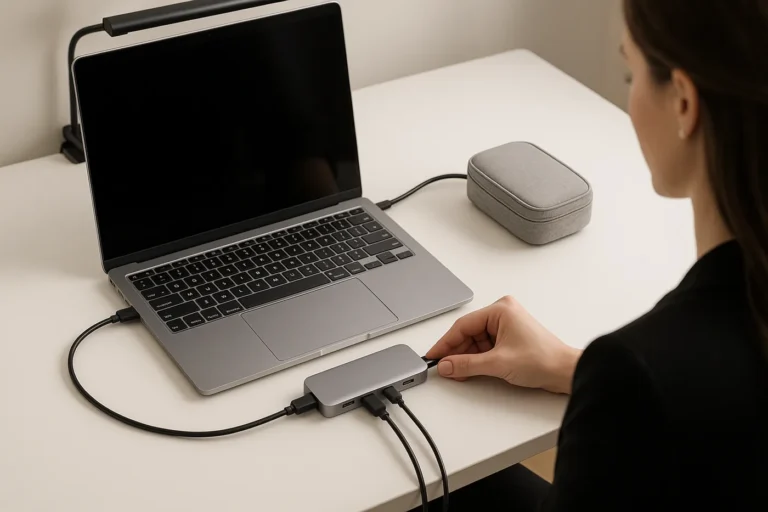
Desk discomfort is not always an airflow problem. A laptop exhaust aimed at your hand, a charger warming the desk edge, direct afternoon sun, or a chair tucked into a still corner can all make the same room feel much hotter at one seat.
Notice when the discomfort starts. If it follows laptop load or charging, move the heat source first. If the entire room stays warm after sunset, a small personal fan will not solve the room problem. If only your face, neck, or hands feel uncomfortable while the room is otherwise tolerable, directed airflow may be enough.
- Local heat: One device or sunlit surface warms the immediate desk area.
- Still-air corner: The desk sits against a wall or shelf that blocks circulation.
- Whole-room heat: Everyone in the room is uncomfortable, not just the person at the desk.
- Routine mismatch: A handheld fan sounds useful, but your work needs both hands and long quiet sessions.
Start With the No-Buy Fix
- Move warm devices. Keep laptop exhaust, chargers, and power bricks away from your hands and lap.
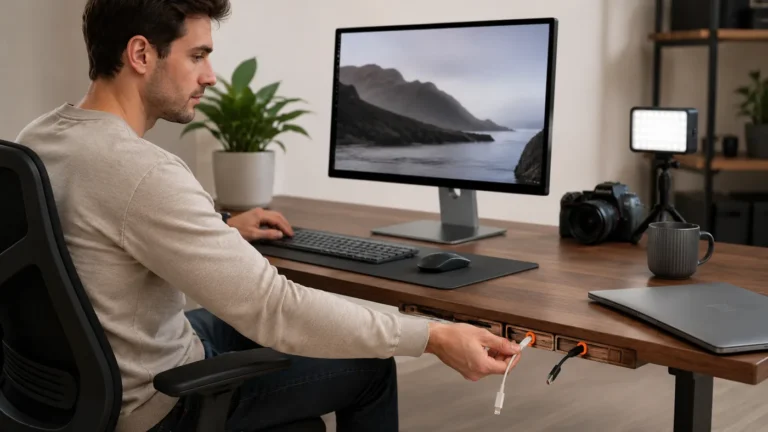
- Open the air path. Pull the desk slightly from the wall and clear objects blocking the side or back.
- Reduce direct sun. Close a blind or shift the work period before adding another powered device.
- Test room airflow. Use an existing fan from several positions to learn where a small fan would need to aim.
- Listen before deciding. Consider whether fan noise would be noticeable during calls, study, or recording.
Try before buying: Run the desk for one normal session after moving heat sources and opening the surrounding space. If the seat already feels comfortable, another fan will mostly add charging and storage.
A Practical Decision Check
Laptop heat reaches your hands
- Start here: Change laptop and charger position
- Product decision: Usually no extra fan
- Check before deciding: Exhaust direction and clearance
The desk sits in still air
- Start here: Open space around the desk
- Product decision: Directed airflow may help
- Check before deciding: Where the fan can be aimed
The entire room stays hot
- Start here: Use a room-level cooling plan
- Product decision: A handheld fan is only temporary
- Check before deciding: Room temperature and ventilation
You move between desk and commute
- Start here: Test whether portability matters
- Product decision: A rechargeable fan may fit
- Check before deciding: Weight, noise, and runtime
The Point Where Gear Becomes Useful
A rechargeable handheld fan becomes useful when the problem is a repeatable warm spot and you want airflow that can move with you. It can serve a desk break, commute, or outdoor queue without taking permanent desk space. That portability is also its tradeoff: unless the design can stand securely, it may occupy one hand instead of quietly working beside the keyboard.
The example below is advertised with a rechargeable battery and a semiconductor cooling feature. Treat the cooling surface as an optional feature to understand, not proof that it replaces air conditioning. Comfort will still depend on contact area, condensation, noise, airflow, and how the device is held.
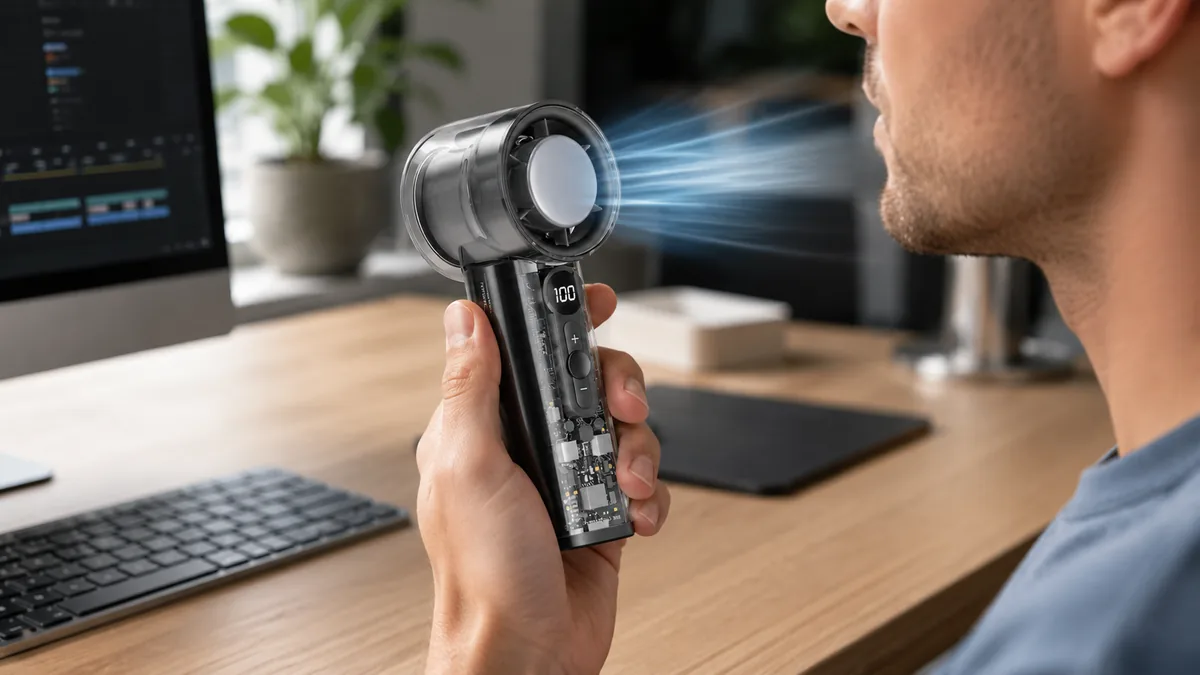
The single AliExpress listing below is one example of this tool type, not a best pick or a hands-on recommendation. Use it only as a reference, and verify the current specifications, compatibility, recent reviews, shipping, returns, and price yourself.
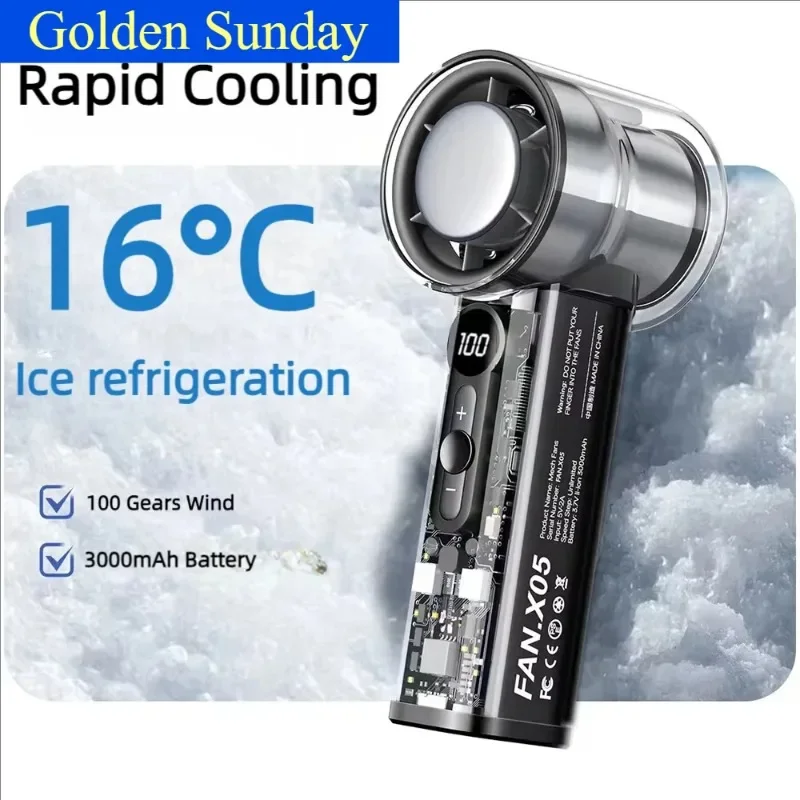
Skip the product if: You need silent room-wide cooling, cannot use a handheld device during work, or already have an existing fan that reaches the seat without clutter.
Checks Before You Order
This model is presented as a compact rechargeable fan with high-speed airflow and a cooling plate. The useful questions are not how dramatic those words sound, but how the form, sound, battery, and cooling surface fit a normal day.
- Handheld or freestanding: Look at the full product shape and included base before assuming it can sit safely on a desk.
- Noise: Recent reviews are more useful than a generic “quiet” label if you plan to use it during calls.
- Battery routine: Compare the stated runtime at different speeds with charging time and charging-port type.
- Cooling plate use: Check where the plate touches, whether moisture can form, and what cleaning guidance is provided.
- Airflow control: Multiple speeds matter only if the lowest setting is gentle enough and the highest remains comfortable.
- Weight and grip: A portable fan stops feeling portable when it is tiring to hold or awkward to pack.
If the page does not clearly show whether the fan can stand, how its cooling surface is used, and how long it runs at practical speeds, wait before choosing it for desk work.
Common Setup Mistakes
- Trying to cool a room with a personal fan. Directed airflow changes how you feel; it does not remove the room’s heat.
- Ignoring the handheld form. A fan that needs one hand may be inconvenient for typing, drawing, or gaming.
- Judging battery life by capacity alone. Speed setting and cooling features can change real runtime.
- Aiming air at loose papers. The most powerful position is not always the least annoying one.
- Buying before moving heat sources. A hot charger against the desk edge remains a problem even with more airflow.
Quick Questions
When is a small rechargeable fan worth adding?
It is worth considering when the heat is local, you move between places, and a short stream of personal airflow makes a noticeable difference. It is less useful when the entire room needs cooling or the device cannot be positioned while you work.
Who should skip a handheld cooling fan?
Skip it if silence is essential, both hands stay occupied, charging another battery feels burdensome, or an existing room fan already reaches the desk. A cramped setup should not become more complicated just to add airflow.
Does a cooling plate make it a desk air conditioner?
No. A small cooling surface may change how the device feels at close range, but it does not cool the surrounding room like an air conditioner. Check the intended contact method, moisture guidance, and current user feedback before relying on that feature.
Affiliate Disclosure
This article includes one affiliate listing as an optional example. GadgetPickLab may earn a commission at no extra cost if you buy through the link. The fan is discussed as one possible source of personal airflow, not as a tested replacement for room cooling.