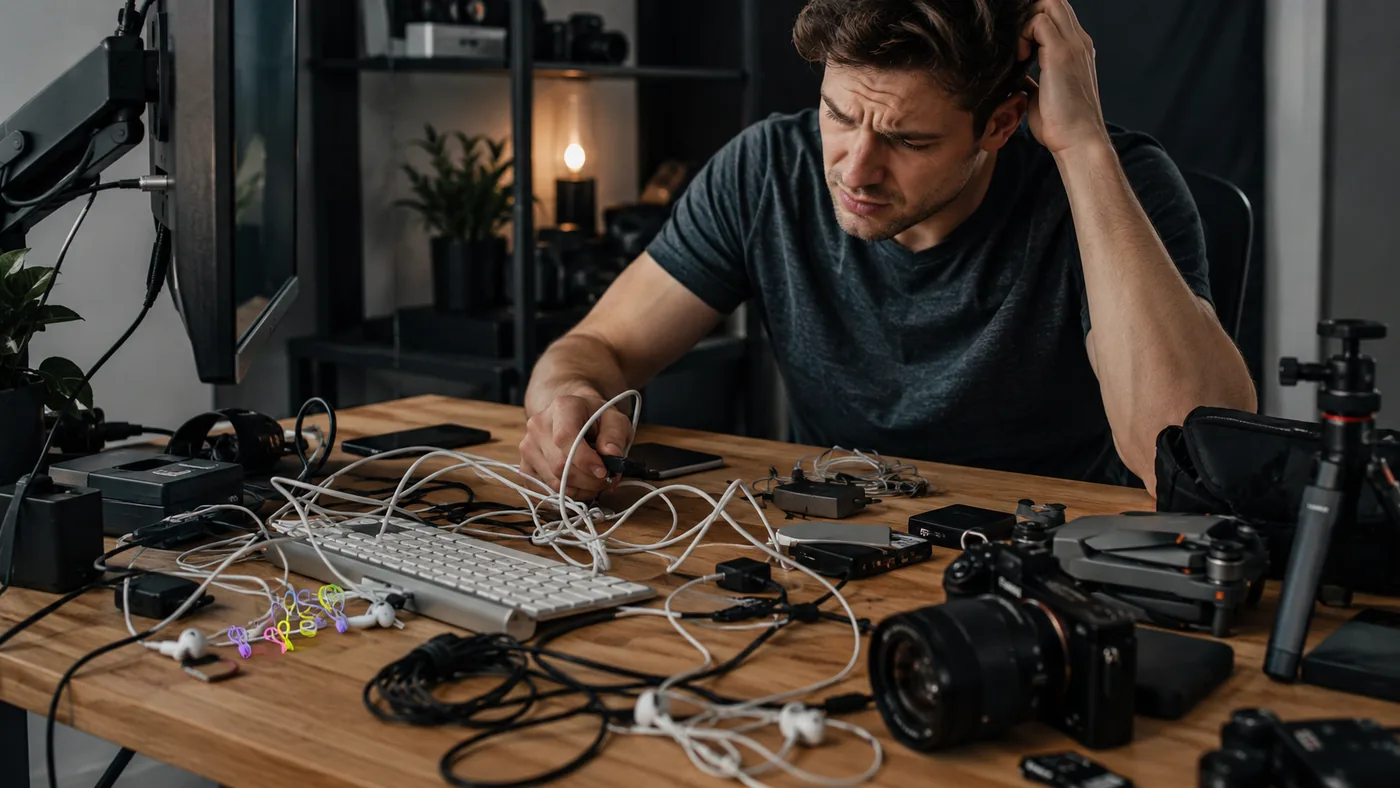
Magnetic Cable Organizer Set: Will It Fit Your Desk Cables?
Quick Answer
Camera, microphone, headphone, and charging cables should first be separated by task, shortened where possible, and routed away from moving gear. A magnetic cable organizer set helps when the same leads must detach and return to fixed positions throughout a compact filming routine. Skip it if ordinary ties work, cable sizes vary too much, or adhesive placement could obstruct ports, controls, or equipment movement.
- Try first: Build one filming setup with only the cables required for that shot and secure slack with reusable ties.
- Consider one when: Several active leads are moved repeatedly between camera, audio, charging, and editing positions.
- Skip if: The setup changes completely each time or permanent desk positions would create more friction.
What Is Actually Causing the Problem
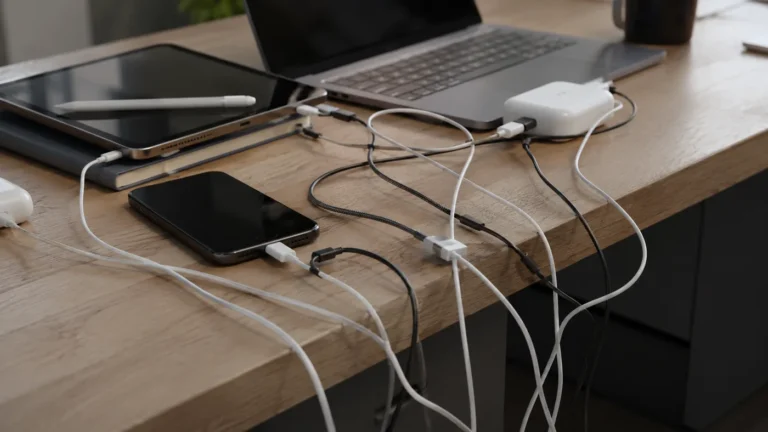
Compact filming spaces become messy when cable length, device movement, and charging routes overlap. The problem is often excess slack or unclear roles rather than a shortage of clips.
- Mixed functions: Audio, power, and data leads look similar and cross the same path.
- Excess length: Coiled slack catches hands, tripod legs, or drawer edges.
- Moving devices: A camera or microphone changes position but the cable route does not.
- No reset routine: Cables are left where the previous shoot ended.
Record the setup and breakdown once. The cables touched several times deserve accessible parking; the rest should be bundled or removed.
Free Fixes to Try First
- Remove every cable not required for the current filming workflow.
- Label both ends of similar audio, data, and charging leads.
- Place devices first and route cables second.
- Bundle extra length away from controls and moving supports.
- Mark temporary parking points with removable tape and test one complete setup cycle.
Try before buying: Reusable hook-and-loop ties and a labeled storage pouch are enough when cables remain bundled between shoots instead of returning to a desk position.
Choose by the Real Situation
One fixed camera
- Start here: Bundle slack behind device
- Product decision: Usually no
- Check before deciding: Vent and port clearance
Cables swap each session
- Start here: Label and test parking spots
- Product decision: Quick-release holders may help
- Check before deciding: Cable diameter
Tripod or arm moves
- Start here: Route along moving support
- Product decision: Only with safe slack
- Check before deciding: Full movement range
Whole setup is packed away
- Start here: Use a cable pouch
- Product decision: Desk holders add little
- Check before deciding: Breakdown routine
When Adding One Tool Makes Sense
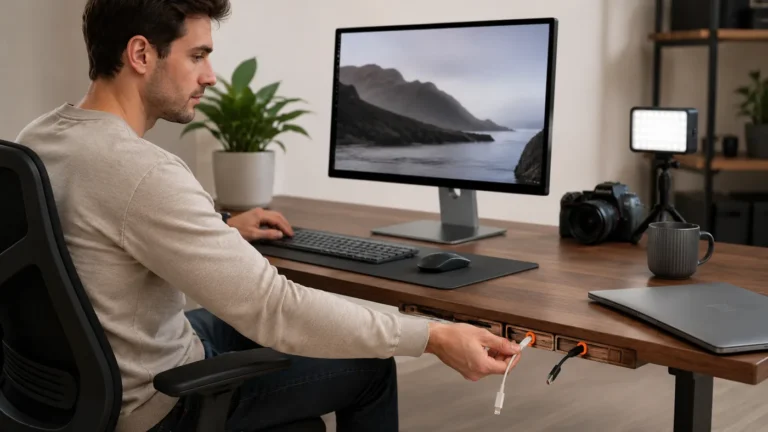
An organizer set becomes useful when a small number of active connectors must stay reachable through repeated setup and teardown. Magnetic release can be convenient for that motion, while reusable ties handle the longer slack that should not remain on the desktop.
The example listing presents three magnetic cable organizers with silicone holding parts and a cable tie. Those elements may serve different roles. Check each cable channel and mounting point rather than assuming the set manages every lead in a creator setup.
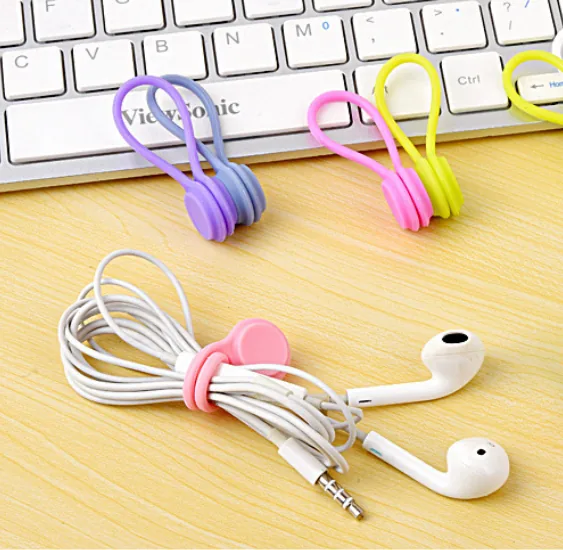
The single AliExpress listing below is one example of this tool type, not a best pick or a hands-on recommendation. Use it only as a reference, and verify the current specifications, compatibility, recent reviews, shipping, returns, and price yourself.
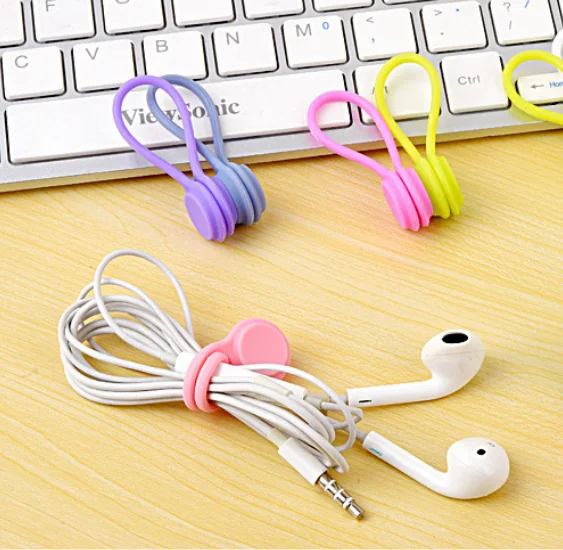
Skip the product if: the workflow is packed away after every use, cables do not fit the channels, or holders would sit near ports, vents, controls, or moving support hardware.
Verify These Details First
Creator setups need access and safe movement, so placement matters as much as adhesive and magnetic grip.
- Cable diameters: Measure thin audio leads and thicker power cables separately.
- Adhesive area: Choose clean flat positions that do not receive heat or repeated cleaning spray.
- Release direction: The connector should lift out without pulling a device, stand, or holder.
- Movement clearance: Test tripod, arm, drawer, and chair movement with the cable parked and in use.
- Set contents: Confirm the number of magnetic pieces, silicone channels, and ties included in the exact option.
Test every proposed position with removable tape before fixing the organizer to the filming surface.
Common Setup Mistakes
- Organizing unused cables. The desk stays crowded even when everything looks clipped.
- Mixing audio and power blindly. Clear labels reduce wrong connections during setup.
- Removing all slack. Moving cameras and arms need a controlled service loop.
- Mounting beside a port. A holder can block the plug angle or device controls.
- Skipping teardown design. A tidy live setup can still become slow to pack away.
Practical FAQ
When is a magnetic cable organizer set worth adding?
It helps when several active filming cables repeatedly detach and need consistent reachable parking spots.
Who should skip magnetic desktop cable holders?
Skip them when the entire setup is packed away, ordinary ties work, or mounting positions interfere with equipment.
Should every cable stay on the desk?
No. Keep only active connectors accessible and store backup, long, and rarely used cables separately.
Affiliate Disclosure
This article includes one affiliate listing as an optional example. GadgetPickLab may earn a commission at no extra cost if you buy through the link. Verify cable fit and equipment clearance before mounting any holder.