IMAGE STUDIOG / P / L
PNG to JPG
Convert a PNG and choose its background color.
Choose an image → Adjust → Save

How to use it
- Load a PNG and choose the background that should replace transparent areas.
- Start with quality 85 and inspect thin outlines and lettering before choosing a lower setting.
- Process, download and reopen the JPG. Check the filled background and the file size reported by your destination.
Before you start
JPG does not support transparency. Transparent pixels are placed over your selected background color.
Common questions
What happens to transparent areas?
JPG cannot store transparency. This tool fills transparent areas with your selected background color before saving. White is selected by default.
How much quality should I use?
Start around 85–90%, then inspect the result. Lower settings can reduce file size but introduce visible artifacts. Keep the original PNG if you need transparency or exact pixel preservation.
Follow the detailed guide
A practical workflow
JPG is useful for destinations that reject PNG or require an opaque photo. Transparent pixels need a background color. A flat icon can become larger as JPG, so inspect the result instead of assuming that conversion always compresses it.
Can I recover transparency from the JPG later?
The JPG no longer contains the PNG's alpha channel. Keep the original PNG for future edits. JPG compression can soften small text and create colored edges; use PNG when sharp graphics and transparency matter more than format compatibility.
Try this original example

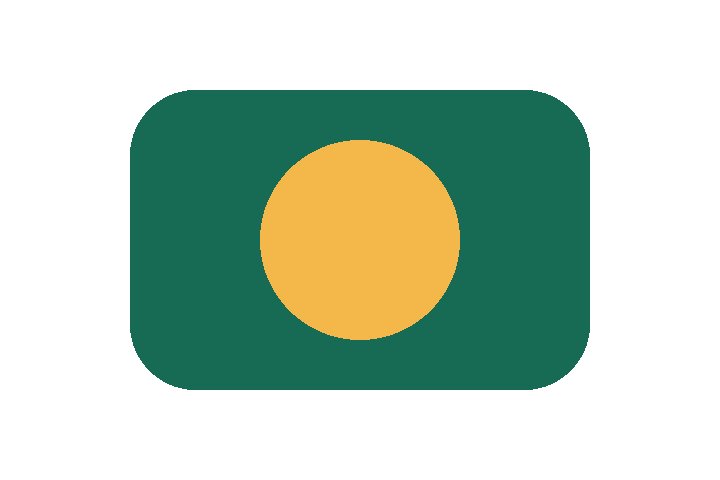
A transparent 720 × 480 PNG saved as JPG with white background and quality 85. This simple graphic grew from 3,321 to 11,298 bytes. Format conversion does not guarantee a smaller file.
Example checked October 13, 2026. These geometric fixtures explain behavior; they are not photo-quality or compression benchmarks.