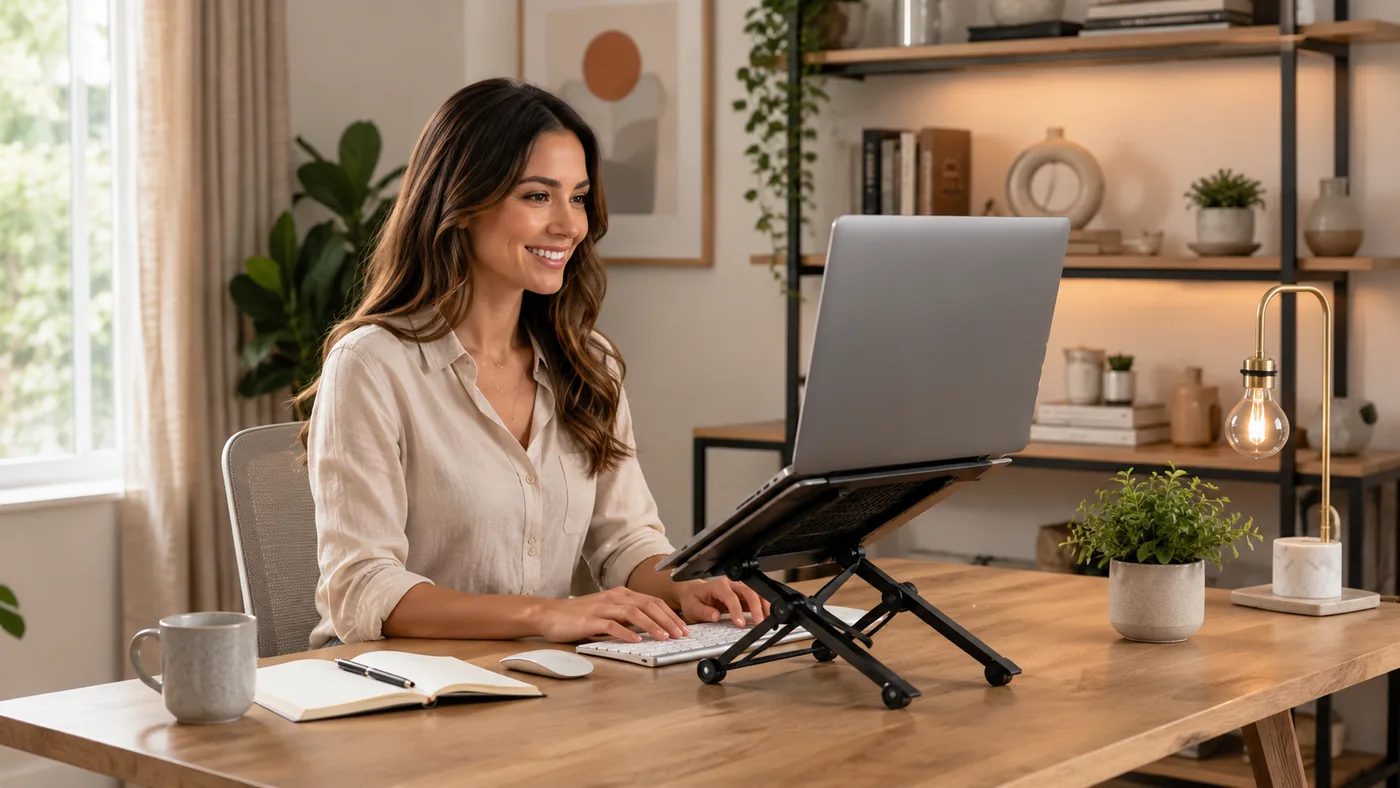
Laptop Taking Over Your Desk? This Stand Might Help
Quick Answer
If you’re deciding whether a laptop stand improves a desk, office, or creator setup, a portable laptop riser usually helps when your work surface is compact, your screen feels too low, or you need more airflow under the laptop. The selected NEXSTAND K2-style foldable, height-adjustable stand is a practical example for small work-from-home setups, but it only makes sense if your desk depth, cable reach, and bag space fit the folded size.
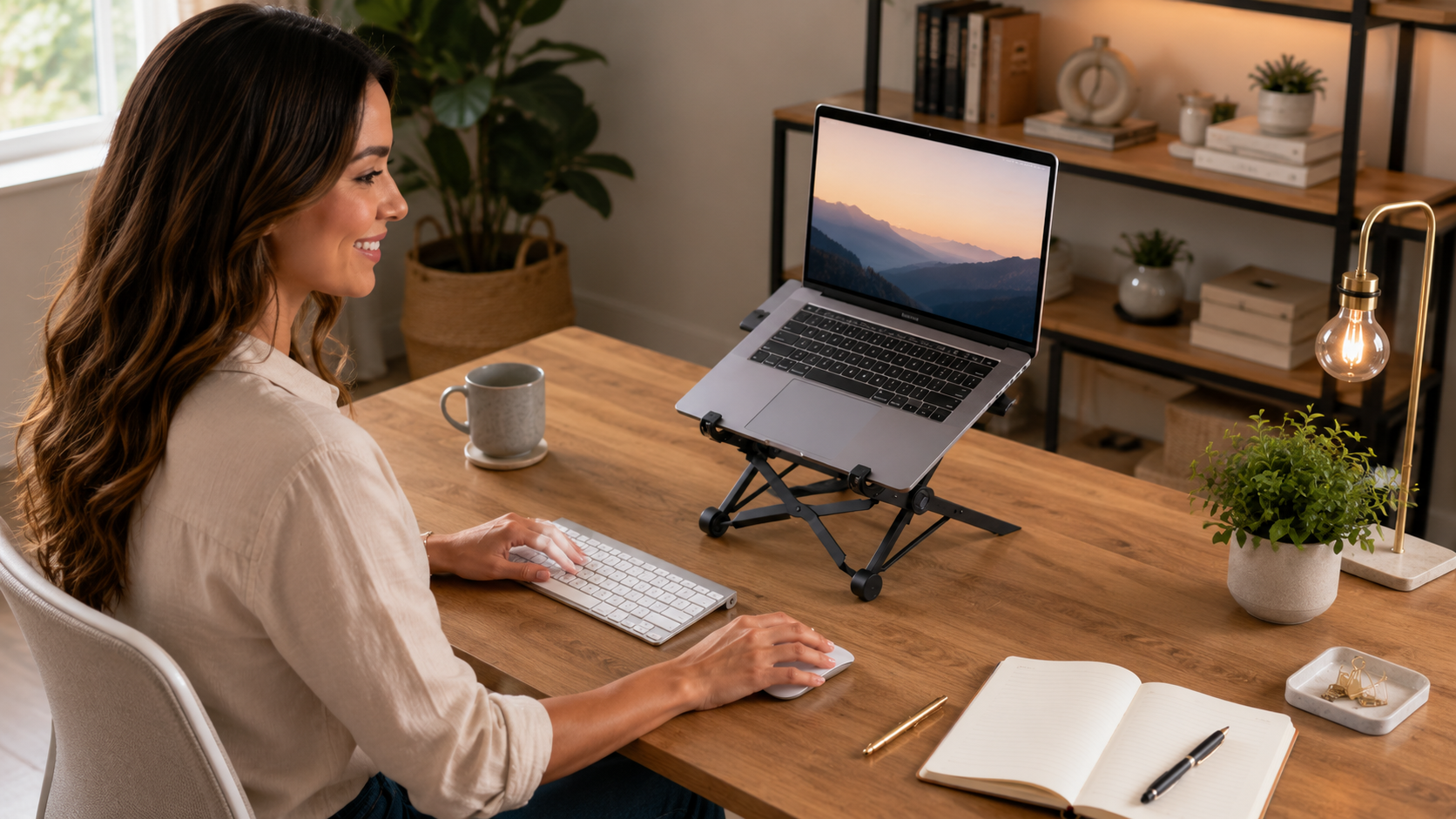
When This Setup Makes Sense
This type of laptop stand is for people working in tight spaces: kitchen tables, small desks, shared rooms, or creator corners with an external keyboard and mouse. It can also help if your laptop sits too low for comfortable viewing and your neck starts bending forward during longer sessions.
It tends to work better when the laptop is used as a screen rather than as a fully self-contained keyboard setup. If you type directly on the laptop all day and do not want a separate keyboard, a stand may feel less useful.
Why This Gets Messy
A laptop by itself usually sits low, flat, and close to the desk surface. That makes the screen angle awkward, leaves little airflow beneath the chassis, and can force your wrists, neck, and eyes into a cramped position.
In compact work-from-home setups, the problem is not just comfort. Cables can snag off the desk edge, a charger plug may stick out at an awkward angle, and a closed or folded stand may take up more bag pocket space than expected. A portable laptop riser helps only if those physical details still leave enough room to work.
Simple Setup Steps
A practical way to check whether a laptop stand improves your setup is to map the desk before buying anything. Measure the laptop footprint, the desk depth, and the space behind the screen for cable bends and charging plugs.
- Place the laptop where you normally work.
- Check screen height against eye level.
- Measure cable direction and connector clearance.
- Look at desk edge space behind the stand.
- Confirm folded size fits your bag compartment.
- Choose the stand height that keeps typing separate from viewing.
The selected foldable adjustable stand type fits best when you use an external keyboard and mouse, because the laptop can sit higher without forcing your hands upward. It also helps when the stand has ventilated openings or an open frame that leaves heat clearance under the machine.
If your desk is shallow, watch for the rear feet or support arms hitting the wall, monitor base, or cable cluster. When the setup is too tight, the stand can create more clutter than it removes.
Simple Option Comparison
| Option | Best for | Watch out for |
|---|---|---|
| Flat laptop | Simple, no extra gear | Low screen, poor airflow |
| Portable riser | Small desks, hybrid work | Needs stable desk space |
| Fixed monitor stand | Permanent office setup | Not travel-friendly |
| Dock plus stand | Creator desks with peripherals | More cables, more setup |
Before You Choose a Setup
Before buying a laptop stand, check the physical fit first. The best choice is the one that matches your desk depth, cable layout, and the way you actually move between work and storage.
- Desk depth: leave room for rear feet and cable bends.
- Connector shape: right-angle plugs may fit better in tight spaces.
- Bag compartment size: folded stands can be thicker than expected.
- Heat clearance: look for open airflow under the laptop base.
- Keyboard distance: external typing should feel natural, not stretched.
Product Type That Fits This Setup
The selected product type here is a portable laptop riser, like the NEXSTAND K2 Laptop Stand Foldable Portable Height Adjustable Ventilated Bracket Notebook Holder Laptop Accessories. That kind of stand makes sense for compact work-from-home setups because it is easy to reposition, can raise the screen without a permanent footprint, and often folds away when the desk needs to serve another purpose.
This tends to fit best when you want a flexible screen lift rather than a fixed office accessory. It also suits people who carry their gear between rooms or want their setup to stay visually light.
Who should skip this: if you need a very heavy desktop workstation, or if your desk is so shallow that any rear support will crowd the wall, a foldable riser may be more trouble than help.
Below is the AliExpress product that shaped this guide. Check the listing details, options, shipping terms, and fit before buying.

NEXSTAND K2 Laptop Stand Foldable Portable Height Adjustable Ventilated Bracket Notebook Holder Laptop Accessories
Price: 21.50
Mistakes That Make This Harder
One common mistake is buying a stand for comfort without checking typing distance. If the laptop is raised but the keyboard stays attached, your hands may end up too high and your shoulders may tense up.
Another mistake is ignoring cable direction. A charging cable that exits sideways or backward can rub against the desk edge, get bent too sharply, or leave the laptop sitting crooked on the stand.
People also forget storage reality. A portable laptop riser can solve desk clutter during use but still become annoying if it does not fit in a bag pocket, drawer, or shelf cubby.
Common Questions
Does a laptop stand improve a desk, office, or creator setup?
Yes, when the goal is better screen height, more airflow, and a cleaner layout for an external keyboard and mouse. It helps most in compact work-from-home setups where desk space is limited.
Is the selected product type good for deciding whether a laptop stand improves a desk, office, or creator setup?
Yes, because a foldable portable laptop riser is a useful example of the tradeoff: more screen height and flexibility, but only if the desk depth and cable clearance work.
What should I check first on a small desk?
Check rear clearance, cable bend room, and whether the folded stand fits your storage space. Those three details usually decide whether the setup feels practical or cramped.
Do I need a separate keyboard?
Usually yes, if you raise the laptop high enough for better viewing. A stand is most comfortable when typing and screen position are handled separately.
Affiliate Disclosure
This article uses one selected affiliate-ready product type as a practical example. No personal testing or hands-on review is claimed here, and the best choice still depends on your desk size, device shape, and storage needs.