Phone Stand at Eye Level for Video Calls: Simple Desk Setup
The easiest way to stop holding your phone during video calls is to raise the camera lens—not just the screen—near your seated eye line. Test the height with a stable stack of books or a box first. Buy a stand only if that trial height works but rebuilding the stack for every call becomes the annoying part.
Set the phone up in about a minute
- Sit first. Put your chair where it normally stays and sit the way you intend to during the call. The phone should adapt to that position.
- Raise the lens near your eye line. Phone cameras often sit in a corner, so line up the lens rather than the middle of the screen. Slightly below eye level is usually fine.
- Move it back. Start around an arm’s length away. If the face looks distorted or fills the frame, distance usually helps more than another tilt adjustment.
- Put light in front of you. Face a window or lamp instead of placing the brightest light behind your head.
- Tap-test the setup. Open the camera preview, tap the screen, and adjust the volume. If the phone or stack moves, fix the base before the call.
You are done when your head and shoulders fit comfortably in frame, the lens is close to your natural gaze, and you can use the screen without steadying the phone with one hand.
Try the height before buying anything
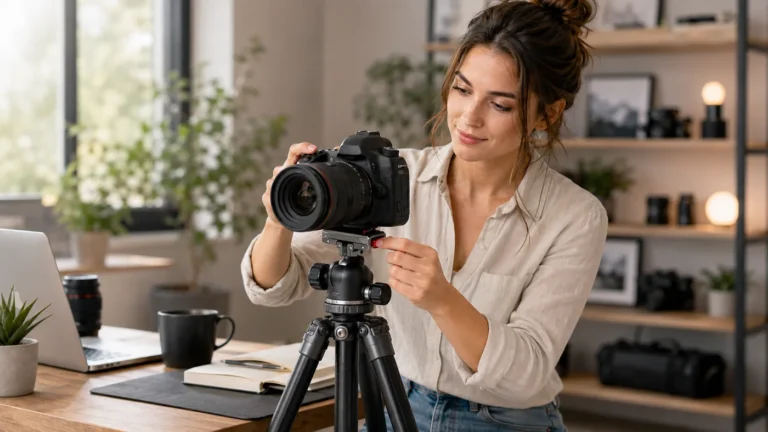
A stand cannot help if you do not yet know how much height the desk is missing. Use a wide stack of books, a sturdy box, or an existing laptop riser for two or three calls. Put a non-slip mat or folded cloth under the phone if the surface is slick, and keep the stack well away from the desk edge.
Do not build a tall, narrow tower. If a stable stack cannot reach the lens position you need, that is a sign to consider a tripod or a properly secured clamp rather than adding more layers.
Choose the support by the part your setup is missing
| What is missing? | Usually the simplest fit | Check before choosing |
|---|---|---|
| The height is already close, but the phone slides or falls back | Compact tabletop stand | Hinge tension, base width, case fit, and charging-port clearance |
| You need noticeably more height than a small stand provides | Mini tripod or stand on a stable riser | Maximum height, footprint, wobble, and whether legs block the keyboard |
| There is almost no free desk surface | Desk-edge clamp | Desk-edge thickness, frame strength, jaw padding, and arm movement |
| You only take occasional calls | Books or a box plus the holder you already own | Stability and whether the setup can stay clear of spills and the desk edge |
A long arm is not automatically better. Extra reach can introduce bounce, and a clamp can mark a weak or soft desk edge. A compact stand is easier to live with, but many compact models add angle control rather than enough height to reach eye level by themselves.
One current listing example: a foldable adjustable phone stand
The linked listing below is an example of the compact tabletop type. It may keep the phone upright and make the viewing angle easier to repeat. It is not proof that the lens will reach your eye line on your desk, and GadgetPickLab has not hands-on tested this exact listing.
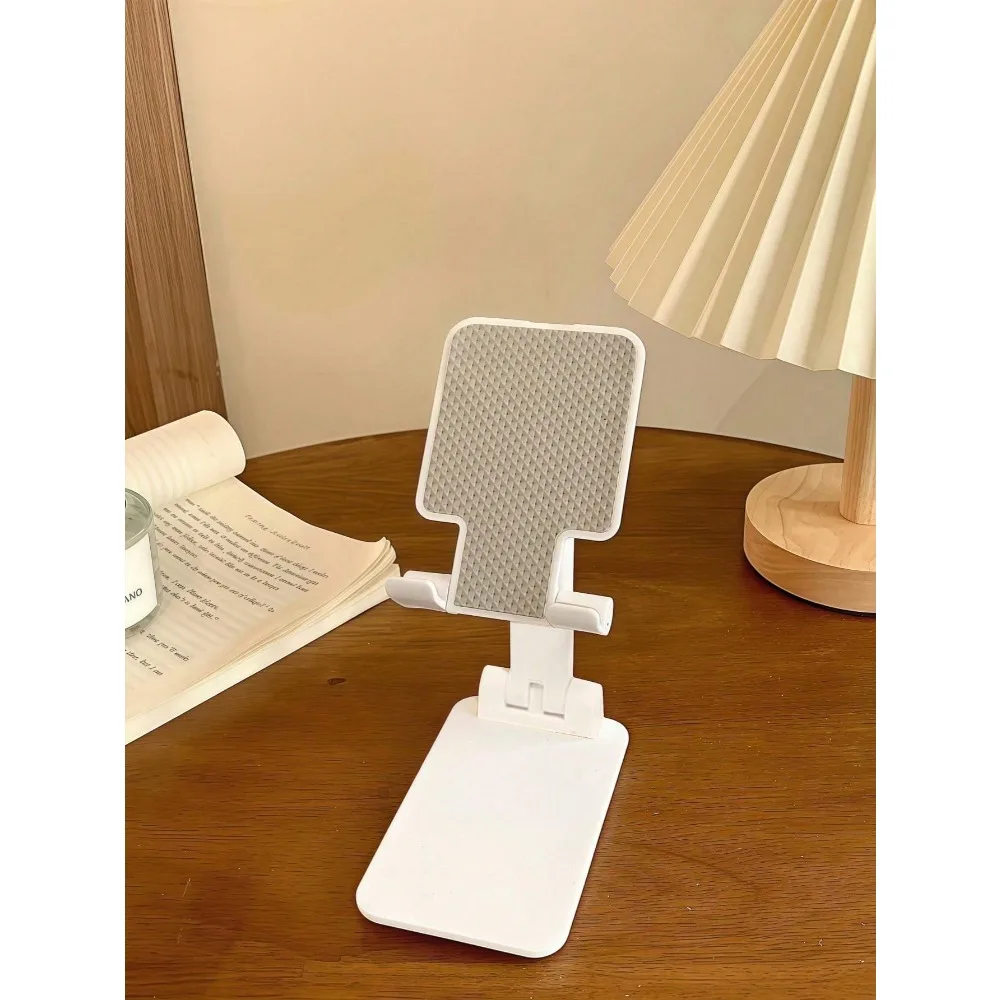
Foldable adjustable phone stand
- Compare open height: Measure the gap from the desk to the camera position you tested.
- Check case fit: A thick case or grip can exceed the cradle depth.
- Look for charging clearance: The bottom support should not block the cable.
- Check the base: A narrow or light base may move when you tap the phone.
- Read recent reviews: Pay attention to hinge looseness and wobble, not only star rating.
Skip this type if your height test shows that a tabletop stand would still sit far below the lens position you need. A small stand on top of a stable existing riser may work; otherwise, compare a tripod or clamp instead.
Fix the cable, framing, and call window
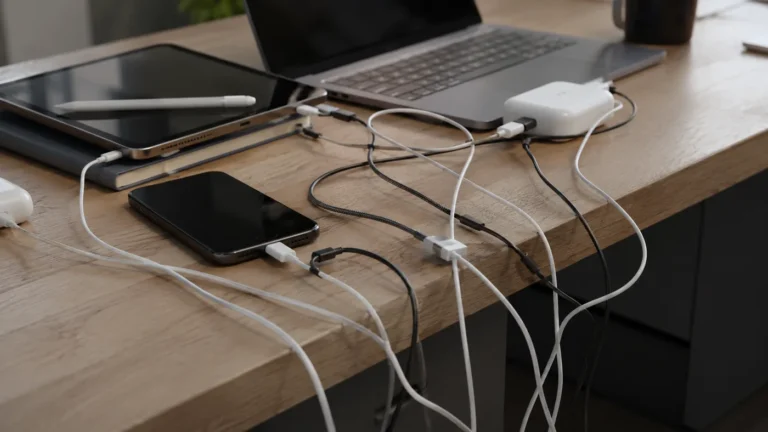
- Leave a loose cable curve. A short or stiff charging cable can pull a lightweight stand sideways.
- Keep the phone centered. Placing it far beside the laptop makes you appear to look away whenever you read the screen.
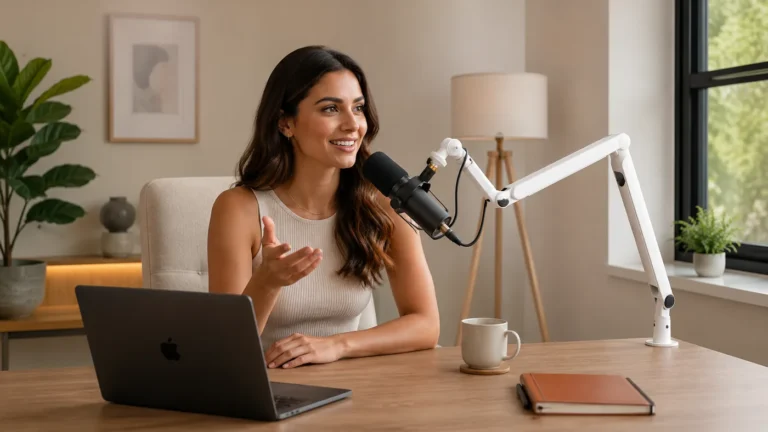
- Move the meeting window near the lens. You do not need to stare into the camera constantly, but reducing the distance between faces on screen and the lens makes eye contact feel more natural.
- Match orientation to the call. Check the preview after switching between portrait and landscape because the crop can change.
- Protect the microphone and speaker openings. A cradle or case should not cover them.
Common failure points
The camera is high but the face is still dark. Change the light direction. Camera height cannot fix a bright window behind you.
The frame shakes whenever you type. Move the stand off the same light shelf or narrow riser that carries the keyboard, or use a heavier base.
The phone is at eye level but too close. Create distance before tilting it farther back. If the desk is shallow, a clamp positioned behind the laptop may be more useful.
The setup takes longer than the call. Mark the useful book height, leave one stable riser in place, or choose a stand that folds without losing its angle.
FAQ
How high should a phone camera be for video calls?
Place the lens near your seated eye line or slightly below it. Set the chair first, then move the phone; do not hunch or raise your shoulders to match a low camera.
Can I use books instead of buying a phone stand?
Yes. A wide, stable stack with a non-slip surface is the best way to test the required height. Keep it away from the desk edge and make sure tapping the screen does not move the phone.
Will a compact phone stand reach eye level on its own?
Often it will not. Many compact stands improve angle and stability more than height. Compare the listing’s fully open height with the gap between your desk and the lens position you tested.
When is a clamp or tripod better than a tabletop stand?
Use a clamp when desk surface is scarce and the edge is strong enough. Use a tripod when you need more height or want to place the phone behind or beside a laptop without building a tall stack.
Affiliate Disclosure
This article includes one affiliate-linked listing example. GadgetPickLab may earn a commission at no extra cost to you if you buy through the link. The setup advice does not require a purchase, and the exact listing is not presented as hands-on tested.