Monitor Light Bar: Screen Fit, Glare, and Desk Lighting Checks
Quick Answer
If you are deciding whether a computer monitor light bar screen improves a desk, office, or creator setup, the short answer is: it helps most when desk space is tight and you want front-facing task light without adding a lamp base. A 50cm monitor light bar like the selected AliExpress example is a practical fit for home offices, small studios, and creator desks, but only if your monitor top edge, cable direction, and clearance allow it to hang securely without blocking cameras or lid closure.
When This Setup Makes Sense
This type of monitor light bar is aimed at people who work or create from compact desks. It tends to work better when the desk already has a monitor, a keyboard, a notebook area, and little room for a traditional lamp.
- Home office users who want a cleaner desk surface.
- Small studio setups with limited shelf or floor space.
- Creators who need consistent light for notes, editing, or overhead camera framing.
- People who dislike desk lamps casting shadows over keyboards or paper.
- Users who already manage cable clutter, such as a camera cable organizer or monitor cable routing behind the desk.
If your monitor is very curved, has an unusually thick bezel, or sits in a tight arm mount, this category may be less straightforward. In that case, a clip-on lamp or desk lamp may be easier to place.
What Usually Causes the Problem
Small setups often combine three issues: not enough surface area, uneven light, and too many cables. A desk lamp needs a footprint, while a monitor light bar uses the monitor itself as the mounting point, which can free up space.
The curiosity here is not just “does it add light?” but “does it improve the layout?” In many home offices and creator desks, the real benefit is reducing clutter around the keyboard, mouse, microphone stand, sketch pad, or camera controls.
That said, the design only works when the monitor can physically support it. If the top edge is too narrow, the back is too curved, or the bar’s weight pushes against a webcam, the setup can feel awkward instead of cleaner.
How to Set It Up
A practical way to decide whether this monitor light bar fits your space is to check the desk from top to bottom before buying. The goal is to avoid a light that looks useful in photos but clashes with your actual monitor shape and cable layout.
- Measure the monitor top edge and back clearance.
- Check whether the light bar can rest without slipping.
- Confirm the USB cable path reaches your power source cleanly.
- Look at what sits below the monitor: webcam, lid hinge, speaker, or shelf.
- Decide whether the light will help your main task: reading, writing, editing, or camera framing.
For the selected product type, the 50cm hanging light bar format is meant for straightforward monitor placement and general desk lighting. That makes it a useful practical example for small setups, but the size still needs to match your screen width and the space behind it.
Simple Option Comparison
| Option | Best for | Watch out for |
|---|---|---|
| Monitor light bar | Small desks, front light | Monitor edge fit |
| Desk lamp | Flexible placement | Uses surface space |
| Clamp lamp | Shared desks | Clamp clearance |
| Overhead light only | Minimal setups | Harsh shadows |
Setup Checks That Matter
Before buying, treat this as a fit-and-layout check, not just a lighting purchase. The right setup depends on how the bar mounts, where the cable exits, and whether your monitor has enough space for stable contact.
- Monitor top edge: Check thickness, curvature, and bezel shape.
- Cable direction: Make sure the USB lead can run backward cleanly.
- Heat clearance: Leave room around the back vents and upper panel.
- Reach distance: Confirm the light covers keyboard and paper without glare.
- Nearby gear: Watch for webcams, mic arms, or shelves blocking placement.
One Product Type Worth Considering
The selected product type, a 50cm computer monitor light bar screen hanging light with stepless dimming and USB power, fits small office and creator desks because it uses vertical space instead of desk surface. That is especially helpful when the desk already has a keyboard, mouse, notes, a stream deck, or a camera cable organizer under the monitor.
It tends to work best when you want a tidy front-of-desk layout and a simple light source for reading, typing, or visual balance. A USB-powered bar also suits setups where a nearby monitor, hub, or charger can supply power without adding another bulky adapter.
Who should skip this: If your monitor edge is too thick, your workspace is unusually tight behind the screen, or you need light aimed far off to the side, this style may be more trouble than it is worth.
Below are AliExpress products that shaped this guide. Check the listing details, options, shipping terms, and fit before buying.
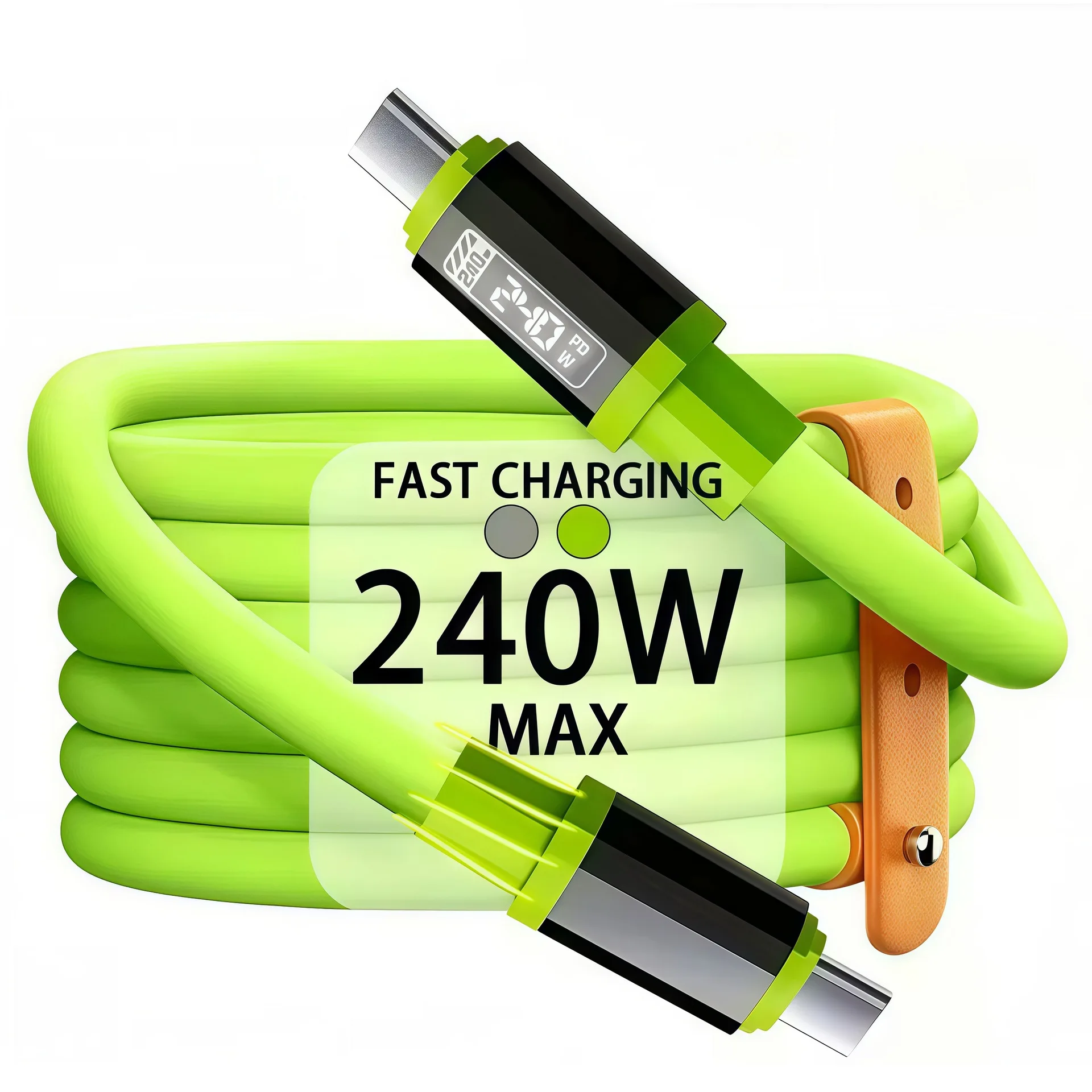
0.3m/1m/2m/3m 240W Fast Charging USB to Type-C, Type-C to Type-C Data Cable, Compatible with Huawei, Xiaomi, Samsung, O…
Price: 8.35

50cm Computer Monitor Light Bar Screen Hanging Lights Stepless Dimming USB Desk Lamp For Study Reading Light Table Moni…
Price: 16.01
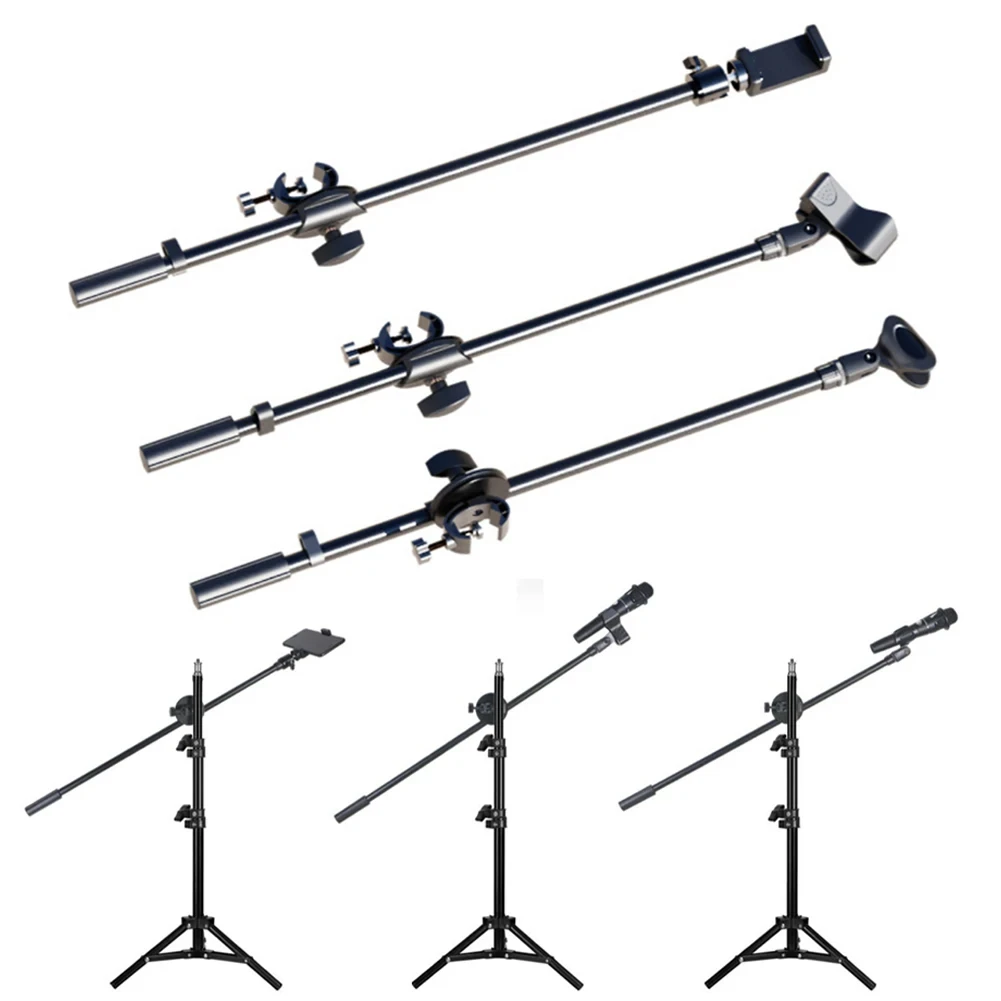
55CM Rotating Microphone Stand Crossbar Arms Mic Clip Phone Holder Extension Bracket Designed 3/8 Thread cross bar
Price: 5.41
Common Setup Mistakes
- Assuming all monitors fit: Thin bars and curved backs can be incompatible.
- Ignoring cable routing: A cable that hangs forward can distract or snag.
- Blocking heat vents: Tight placement may reduce clearance behind the screen.
- Choosing only by width: A 50cm bar can still feel oversized on small displays.
- Forgetting other gear: Webcams, mic mounts, and shelves can interfere with the light.
Another common mistake is expecting a light bar to solve every lighting problem. It can improve desk lighting and reduce shadowing, but it does not replace room lighting when you need broader illumination for filming or multi-angle work.
Practical FAQ
Does a computer monitor light bar screen improve a small setup?
Yes, it often does when desk space is limited and the monitor can support the bar securely. It is most useful when you want more task light without adding a lamp base to the desk.
Is the selected 50cm monitor light bar a good fit for creator desks?
It can be, especially for reading, writing, editing, and tidy desk layouts. The main check is whether the monitor shape, webcam placement, and cable path leave enough room for clean installation.
What should I check before buying a monitor light bar?
Check monitor thickness, top-edge shape, USB cable route, back clearance, and whether nearby accessories will block the mount. These details matter more than the product photo.
Can this work with a camera cable organizer under the desk?
Yes, because the light bar mostly affects the top of the setup, while cable organizers improve the lower half. The combination can make a small desk look and function more organized if the cable path stays clear.
When is this not worth it?
It is not worth it when your monitor cannot support the bar safely, or when the desk already has good lighting and no space problem. In those cases, a simpler lamp may be easier.
Affiliate Disclosure
This article discusses a product type and one selected AliExpress listing as a practical example for layout checking and setup planning. It does not claim personal testing or hands-on review of that specific listing. If you choose to buy through an affiliate path, the site may earn a commission at no extra cost to you.