
Automatic Pet Feeder with Camera: Will It Fit Your Feeding Routine?
Quick Answer
Inconsistent pet meals should first be separated into a scheduling problem, a portion problem, or a change in appetite. Pre-measured food and a shared feeding log often fix human timing errors. An automatic pet feeder with a camera helps when dry-food meals are repeatedly missed despite a stable routine. Skip it when the pet needs wet food, close supervision, medication, or veterinary assessment.
- Try first: Pre-portion one day of food and record who feeds the pet and when.
- Consider one when: A healthy pet eats compatible dry food on a predictable schedule that people regularly miss.
- Skip if: Appetite has changed, meals require supervision, or the feeder cannot safely handle the food type.
What Is Actually Causing the Problem
Automation cannot solve every feeding issue. First determine whether the problem comes from household coordination, the pet’s health, food storage, or the way the animal eats.
- Duplicate feeding: Two people feed the pet because neither can see what the other did.
- Late meals: Work or travel makes a normal feeding time unreliable.
- Food mismatch: Large, oily, or irregular pieces may not dispense consistently.
- Behavior or health: Sudden appetite changes, guarding, vomiting, or weight change need attention beyond a device.
A written log for several days reveals whether timing is actually the recurring failure. Contact a veterinarian when appetite or weight changes rather than treating the feeder as a diagnosis.
Free Fixes to Try First
- Measure the current portion instead of estimating by eye.
- Create one visible feeding log for everyone in the household.
- Store daily portions in labeled containers for a week.
- Observe whether the pet eats calmly and finishes within a normal period.
- Identify a backup person and plan for power or internet interruptions.
Try before buying: A shared note, phone reminder, and pre-portioned container system is usually enough when someone is reliably home at meal time.
A Practical Decision Check
Family forgets who fed
- Start here: Use one feeding log
- Product decision: Usually no
- Check before deciding: Clear ownership
Meal time is often missed
- Start here: Pre-portion and set reminders
- Product decision: A timed feeder may help
- Check before deciding: Reliable dispensing
Pet eats wet food
- Start here: Use supervised storage
- Product decision: Most dry feeders do not fit
- Check before deciding: Food safety
Appetite suddenly changes
- Start here: Call the veterinarian
- Product decision: Do not automate the symptom
- Check before deciding: Health assessment
When Adding One Tool Makes Sense
A feeder becomes useful when timing remains the only unresolved problem after portions and household responsibilities are clear. It can release a planned dry-food meal without turning every feeding decision over to an app.
The example listing combines scheduled dispensing, remote control, and a camera. Those features may help check whether food was released, but they also add Wi-Fi setup, account privacy, cleaning, and failure points. The basic dispensing mechanism matters more than novelty.
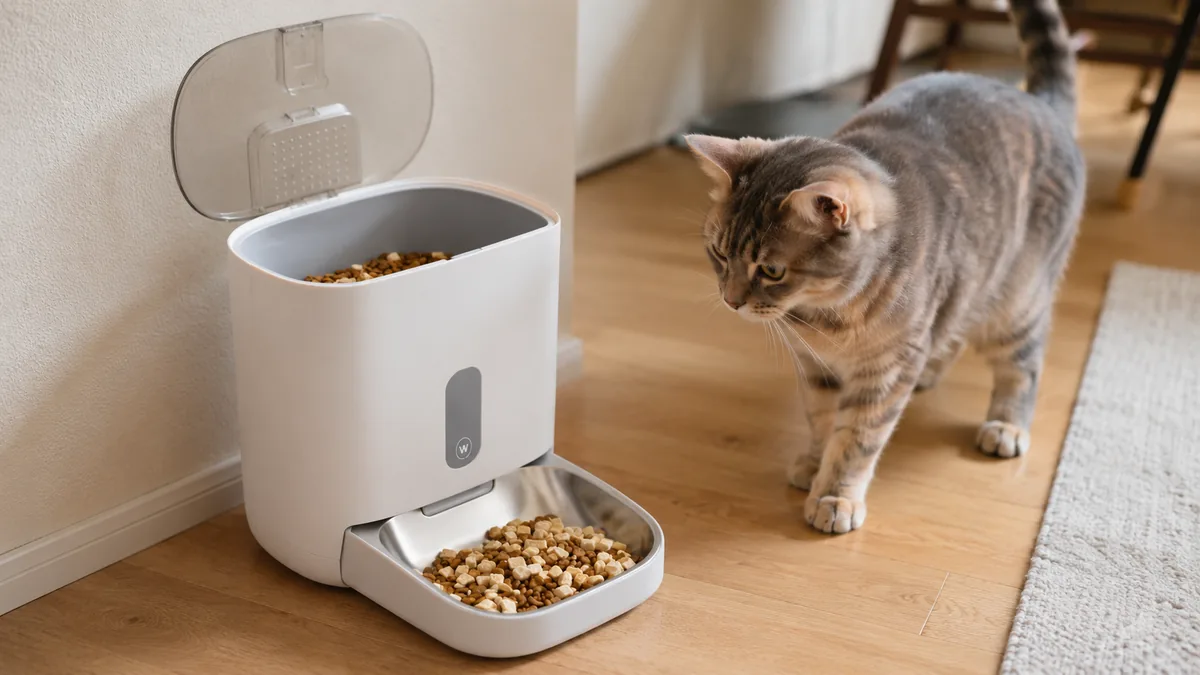
The single AliExpress listing below is one example of this tool type, not a best pick or a hands-on recommendation. Use it only as a reference, and verify the current specifications, compatibility, recent reviews, shipping, returns, and price yourself.
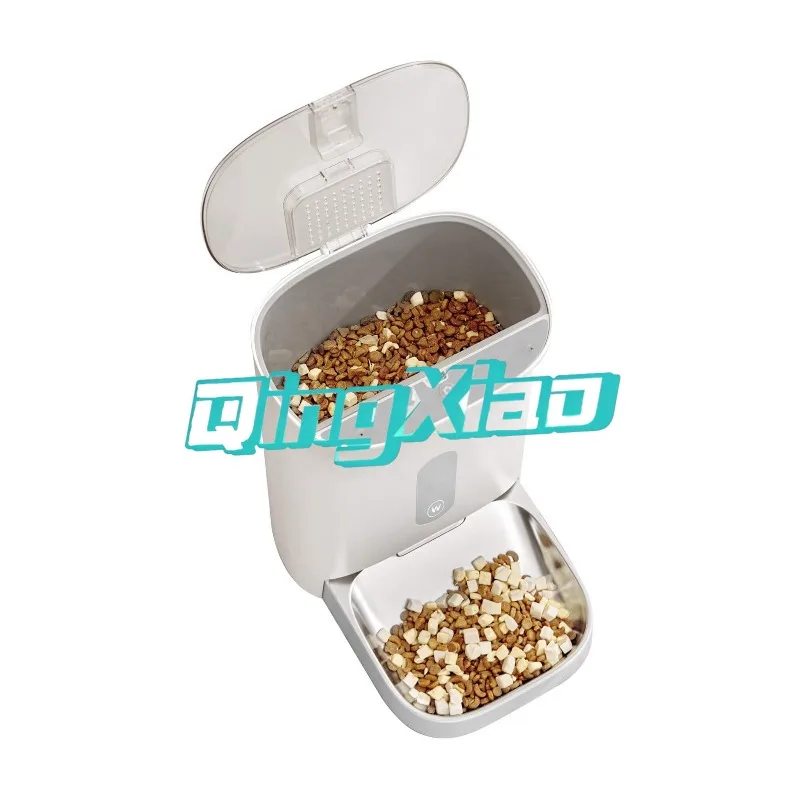
Skip the product if: the pet needs medical monitoring, eats incompatible food, may break into the hopper, or cannot be left safely with automated portions.
Checks Before You Order
A useful feeder must match the food, portion routine, pet behavior, and backup plan before its camera or app features matter.
- Food compatibility: Compare kibble size and shape with the stated dispenser limits.
- Portion control: Look for clear serving increments and check recent reviews for consistency or jams.
- Cleaning access: Food-contact parts should come apart without trapping crumbs and oil.
- Power backup: Understand what happens to schedules during an outage or weak connection.
- App and camera: Review phone compatibility, account permissions, notifications, camera angle, and household privacy.
Wait if the listing does not clearly explain food size, cleaning, manual feeding, and behavior after a power or network failure.
What to Avoid
- Automating an unexplained appetite change. A feeder cannot assess illness or discomfort.
- Ignoring kibble shape. Pieces that bridge or jam can interrupt the schedule.
- Skipping cleaning. Oil and crumbs build up where food moves through the machine.
- Relying on the camera alone. A view of the bowl does not prove the correct portion was eaten.
- Having no backup. Someone still needs access when power, Wi-Fi, or the mechanism fails.
Practical FAQ
When is an automatic pet feeder worth adding?
It makes sense for a healthy pet on compatible dry food when meal timing is repeatedly missed despite a clear routine.
Who should skip a camera pet feeder?
Skip it for medical diets, wet food, pets that need supervised eating, or households that do not want another connected camera.
Can an automatic feeder replace a pet sitter?
No. It may handle a meal, but it cannot provide water checks, cleanup, exercise, health observation, or emergency help.
Affiliate Disclosure
This article includes one affiliate listing as an optional example. GadgetPickLab may earn a commission at no extra cost if you buy through the link. Feeding and camera features should be verified for your pet and household.